Introduction
The biggest mistake new users make with a Midjourney subscription is choosing a plan without understanding how Midjourney actually works.
At first glance, the pricing looks simple. You pay monthly, generate AI art, and pick between Basic, Standard, Pro, or Mega. But once you start generating cinematic images, character concepts, thumbnails, product mockups, or commercial artwork, the hidden economics become obvious fast.
GPU-hour limits, Fast mode usage, rerolls, upscales, Turbo jobs, and workflow habits can dramatically affect how much value you get from your subscription.
That is why so many creators end up upgrading within weeks.
In 2026, Midjourney is no longer just an experimental AI art tool. It has become part of the workflow for:
- YouTubers
- marketers
- freelancers
- agencies
- game artists
- social media creators
- print-on-demand sellers
- designers
- startups
This guide explains everything you actually need to know before buying a Midjourney plan, including realistic image limits, commercial rights, hidden costs, creator recommendations, and whether Midjourney is still worth paying for compared to newer AI image generators.
What Is a Midjourney Subscription?
A Midjourney subscription is a paid membership that gives users access to Midjourney’s AI image generation system.
Unlike some competitors, Midjourney does not offer a permanent free plan. Access requires an active subscription.
Users can create AI-generated images through:
- Discord
- Midjourney’s web interface
- prompt-based workflows
- image reference systems
- style reference tools
- character consistency features
Midjourney became famous because of its:
- cinematic aesthetics
- highly artistic image quality
- strong composition
- photorealism improvements
- stylized artwork generation
- consistent visual identity
Today, it is widely used for:
| Use Case | Common Users |
| YouTube thumbnails | Content creators |
| Concept art | Game artists |
| Product marketing visuals | Businesses |
| Social media graphics | Influencers |
| Print-on-demand art | Etsy sellers |
| Storyboarding | Filmmakers |
| Brand moodboards | Agencies |
Why Midjourney Became So Popular
Midjourney gained a major advantage because it produces visually attractive images with relatively simple prompts.
Compared to older AI generators, it often creates:
- better lighting
- stronger composition
- cinematic depth
- artistic mood
- highly aesthetic outputs
This made it especially attractive for creators who wanted “high-end visuals fast.”
How Midjourney Works in 2026
Midjourney works through cloud-based GPU rendering.
When you enter a prompt, powerful servers process your request and generate images using AI diffusion models.
The workflow usually looks like this:
- Enter a text prompt
- AI generates image variations
- Upscale preferred results
- Reroll or remix images
- Export final artwork
Modern Midjourney workflows now also include:
- style references
- character references
- Mood Consistency
- image blending
- storytelling workflows
- web-based generation
Why This Matters for Subscription Plans
Every action consumes GPU resources differently.
That means:
- upscales cost time
- rerolls cost time
- Turbo mode burns hours faster
- Fast mode has limits
- Relax mode changes workflow speed
Understanding this is critical before buying a plan.
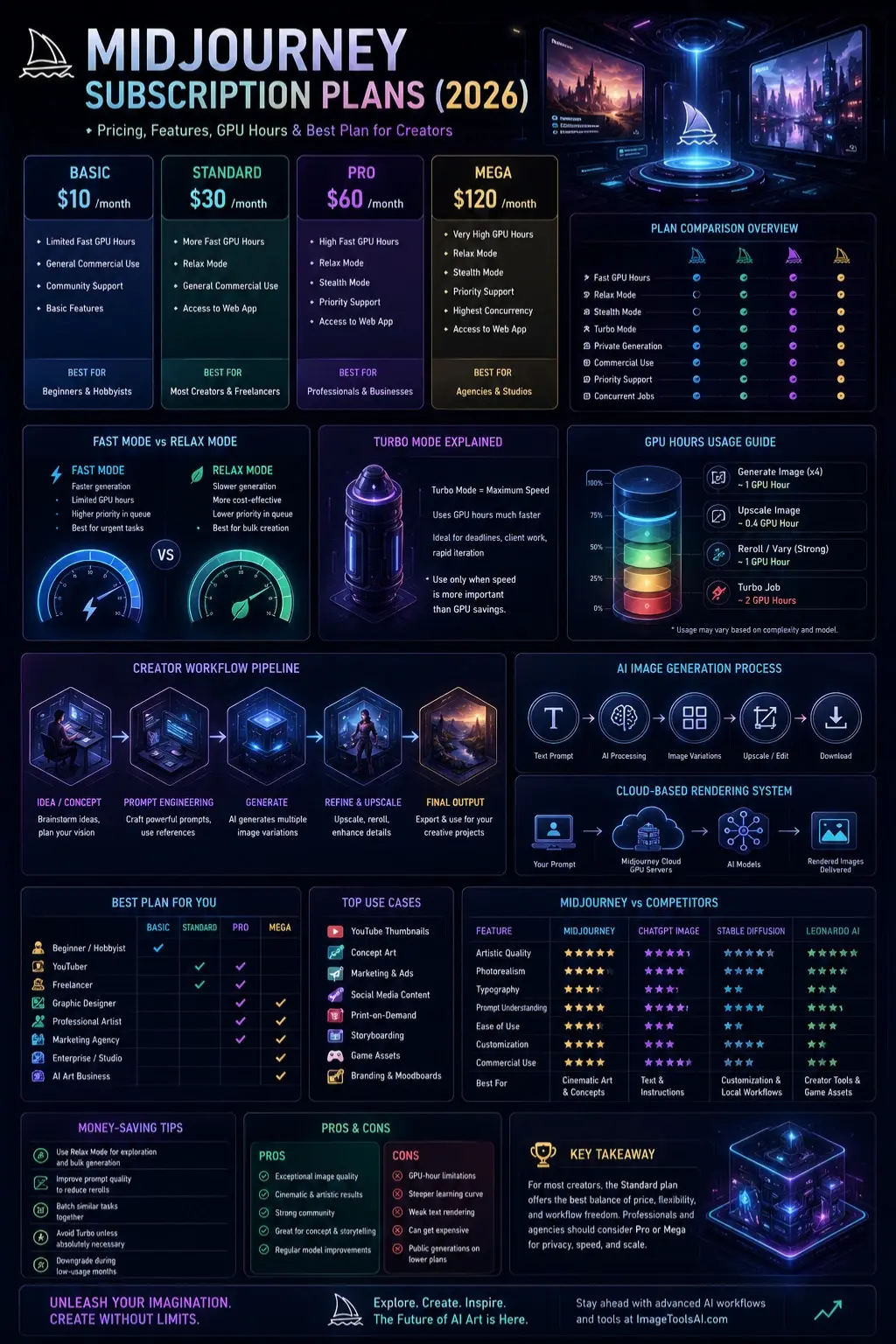
Midjourney Pricing Table
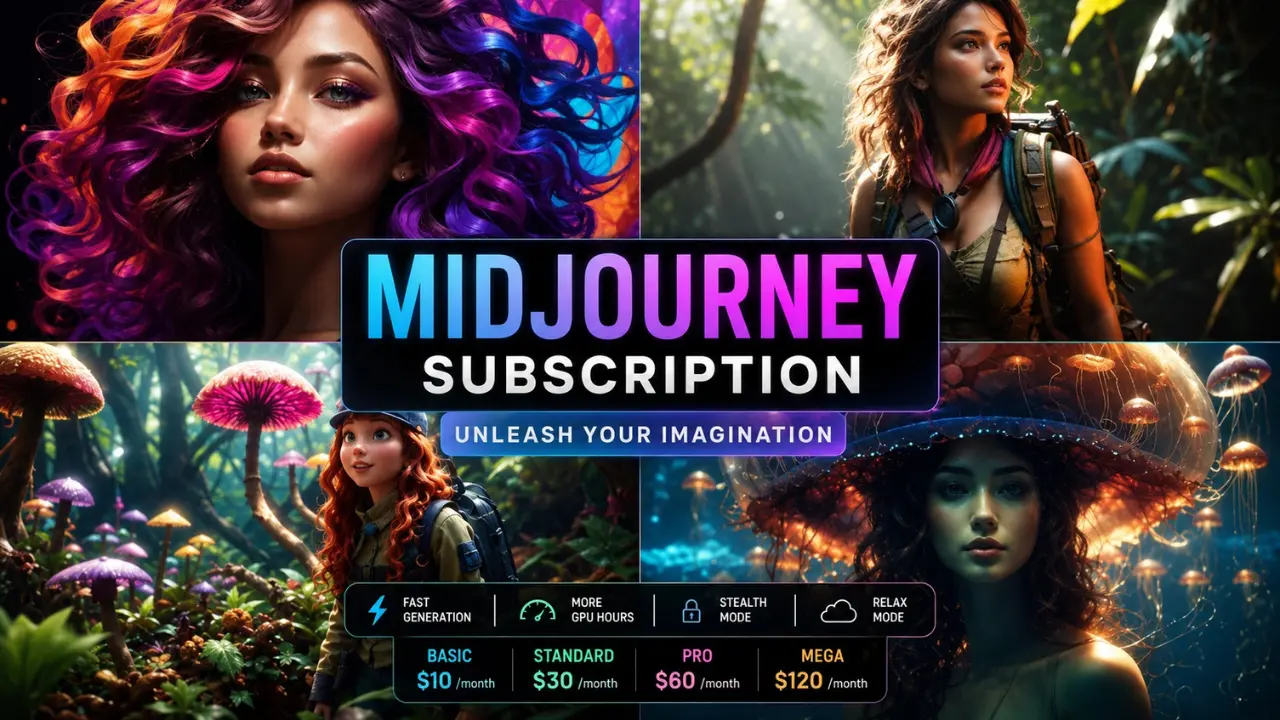
| Plan | Monthly Price | Fast GPU Hours | Relax Mode | Stealth Mode | Best For |
| Basic | $10 | Limited | No | No | Beginners |
| Standard | $30 | More hours | Yes | No | Most creators |
| Pro | $60 | Higher limits | Yes | Yes | Professionals |
| Mega | $120 | Very high limits | Yes | Yes | Agencies & studios |
Pricing and features may change over time depending on Midjourney policy updates.
What Each Plan Actually Feels Like
Basic Plan
The Basic plan is designed for casual users.
Good for:
- experimenting with prompts
- learning Midjourney
- occasional social media graphics
- hobby projects
Bad for:
- daily commercial work
- heavy iteration
- large-scale content production
Most users outgrow Basic quickly once they start rerolling and refining images.
Standard Plan
This is the sweet spot for most creators.
It introduces Relax Mode, which changes everything.
You can generate significantly more images without constantly worrying about Fast hours.
Best for:
- YouTubers
- freelancers
- bloggers
- marketers
- social creators
- thumbnail designers
Pro Plan
The Pro plan targets professional workflows.
Its biggest advantage is Stealth Mode.
This allows private image generation, which matters for:
- agencies
- client work
- unreleased campaigns
- confidential product designs
Mega Plan
Mega is built for teams and high-volume creators.
Ideal for:
- studios
- commercial agencies
- AI production pipelines
- enterprise-scale creative work
Midjourney Basic vs Standard vs Pro vs Mega
This is where most buyers struggle.
The real question is not “Which plan is cheapest?”
It is:
Which plan matches your actual workflow?
Midjourney Plan Comparison by Creator Type
| Creator Type | Recommended Plan |
| Beginner | Basic |
| YouTuber | Standard |
| Freelancer | Standard |
| Professional Designer | Pro |
| Agency | Pro or Mega |
| AI Art Business | Pro or Mega |
Realistic Workflow Differences
Basic Plan Reality
You may generate a few hundred images monthly, depending on usage habits.
But heavy rerolls can drain GPU time surprisingly fast.
Good for testing.
Not ideal for scaling.
Standard Plan Reality
Relax Mode dramatically increases usability.
You can experiment more freely without constantly watching GPU consumption.
For most creators, this is the best value plan.
Pro Plan Reality
Professional creators often need:
- privacy
- Faster Workflows
- concurrency
- commercial scalability
This is where Pro becomes valuable.
Mega Plan Reality
Mega mainly benefits users producing AI images daily at scale.
For average creators, it is usually excessive.
Fast Mode vs Relax Mode
| Feature | Fast Mode | Relax Mode |
| Speed | Faster | Slower |
| GPU Consumption | Limited | More flexible |
| Queue Priority | Higher | Lower |
| Best For | Urgent work | Bulk creation |
Why Relax Mode Changes Everything
Relax Mode allows creators to generate far more content economically.
Without Relax Mode, many users become overly cautious with prompts.
With Relax Mode:
- experimentation increases
- creativity improves
- workflow pressure decreases
That is why Standard is often the best overall value.
Turbo Mode Explained
Turbo Mode prioritizes rendering speed.
But it burns GPU hours much faster.
Turbo is useful for:
- deadlines
- live client sessions
- rapid iteration
Bad for:
- budget-conscious users
- casual experimentation
Is Midjourney Worth the Subscription in 2026?
For many creators, yes.
But not for everyone.
Where Midjourney Still Dominates
Midjourney remains one of the strongest AI image generators for:
- cinematic visuals
- artistic aesthetics
- fantasy artwork
- mood-heavy visuals
- concept art
- visual storytelling
Its strengths include:
- strong composition
- visual atmosphere
- photorealism improvements
- artistic consistency
- advanced style generation
Where Competitors Are Catching Up
Tools like OpenAI image generation, Stability AI tools, and other AI platforms are improving rapidly.
Some competitors now offer:
- better text rendering
- easier interfaces
- integrated editing
- stronger prompt understanding
- more flexible workflows
Midjourney still wins heavily in artistic style quality, but competition is stronger than ever in 2026.
Best Midjourney Plan for Different Users
Best Plan for Beginners
Choose: Basic
Why:
- low-cost entry
- learn prompting
- understand workflows
- experiment safely
Upgrade later if usage increases.
Best Plan for YouTubers
Choose: Standard
Perfect for:
- thumbnails
- channel branding
- storytelling visuals
- content assets
Relax Mode becomes extremely valuable here.
Best Plan for Graphic Designers
Choose: Pro
Reasons:
- privacy
- client protection
- faster rendering
- high-volume iteration
Best Plan for Agencies
Choose: Pro or Mega
Agencies benefit from:
- Stealth Mode
- concurrent jobs
- large-scale production
- commercial workflows
Best Budget Option
The Standard plan usually offers the best price-to-value ratio.
This is where most serious creators eventually land.
Midjourney vs ChatGPT Image Generation
This comparison has exploded in popularity.
Midjourney vs ChatGPT
| Feature | Midjourney | ChatGPT Image Generation |
| Artistic Style | Excellent | Strong |
| Photorealism | Excellent | Improving rapidly |
| Typography | Weak | Better |
| Ease of Use | Moderate | Easier |
| Prompt Understanding | Good | Excellent |
| Workflow Simplicity | Moderate | High |
| Community Features | Strong | Limited |
When Midjourney Wins
Best for:
- cinematic art
- fantasy visuals
- aesthetic compositions
- dramatic imagery
When ChatGPT Wins
Best for:
- text-heavy visuals
- instruction following
- editing workflows
- beginner accessibility
Midjourney vs Stable Diffusion vs Leonardo AI
| Tool | Best Strength |
| Midjourney | Artistic image quality |
| Stable Diffusion | Customization & local workflows |
| Leonardo AI | Creator-friendly tools |
| Ideogram | Typography |
| ChatGPT Images | Prompt understanding |
No single tool dominates every category anymore.
Professional creators increasingly combine multiple AI tools.
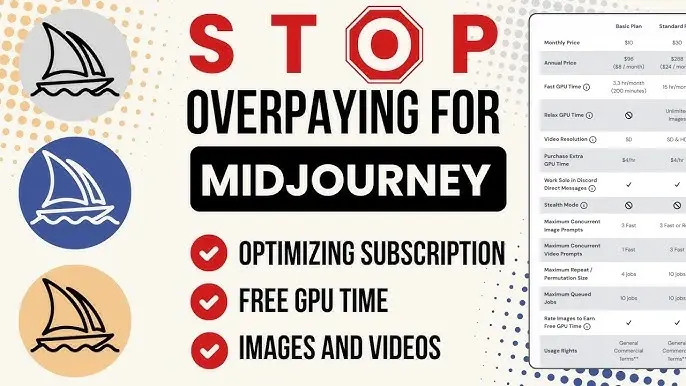
How to Save Money on a Midjourney Subscription
Use Relax Mode Strategically
Avoid wasting Fast hours on experimentation.
Improve Prompt Quality
Better prompts reduce rerolls.
That saves money immediately.
Batch Similar Tasks
Generate multiple related assets together instead of random experimentation.
Avoid Turbo Unless Necessary
Turbo should be reserved for urgent production work.
Downgrade During Low-Usage Months
Seasonal creators often overpay by keeping high plans active year-round.
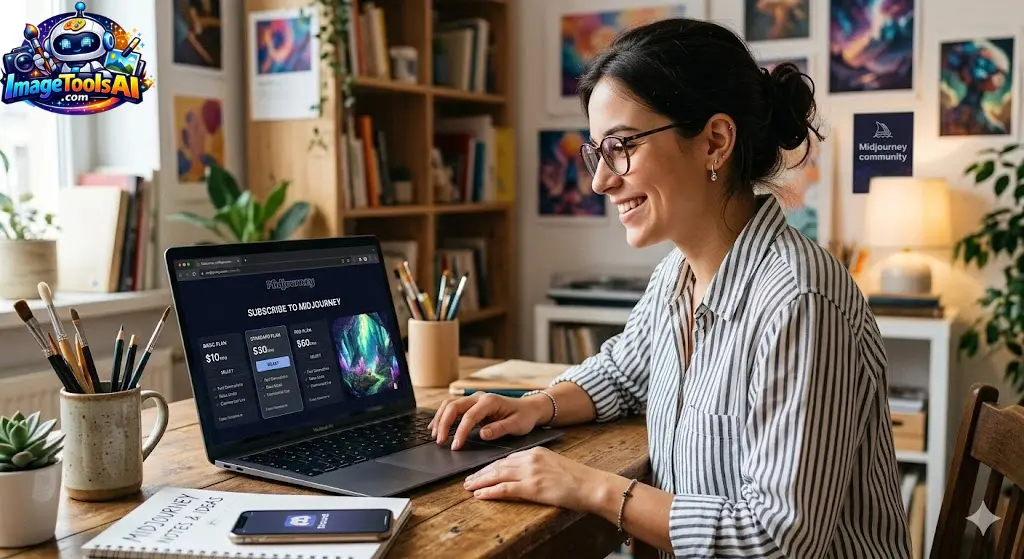
Step-by-Step: How to Subscribe to Midjourney
Create a Discord Account
Midjourney originally relied heavily on Discord workflows.
Join Midjourney
Access the official Midjourney platform.
Choose a Plan
Select Basic, Standard, Pro, or Mega depending on workload.
Start Generating Images
Use prompts, references, and style systems to create images.
Monitor GPU Usage
Track Fast hours carefully to avoid surprises.
Best Midjourney Use Cases in 2026
Content Creation
- YouTube thumbnails
- blog images
- Instagram content
- storytelling visuals
Business Marketing
- ad concepts
- product mockups
- landing page visuals
- campaign ideas
Design & Creative Industries
- concept art
- storyboarding
- fashion ideation
- branding concepts
Pros and Cons of Midjourney Subscription
Pros
- exceptional artistic quality
- strong cinematic aesthetics
- excellent concept generation
- Highly Creative Outputs
- huge community ecosystem
Cons
- learning curve
- GPU-hour limitations
- public generations on lower plans
- weaker typography
- It can become expensive for heavy users
Common Midjourney Subscription Problems
Subscription Renewal Issues
Some users forget auto-renewal settings.
Always monitor billing dates.
Discord Confusion
New users often struggle with Discord workflows initially.
The newer web interface helps significantly.
Payment Scams
Only subscribe through official Midjourney channels.
Avoid third-party “cheap subscriptions.”
Running Out of Fast Hours
This happens frequently to beginners.
Relax Mode helps solve the problem.
Expert Tips to Get Better Midjourney Results
Use Style References
Consistency improves dramatically.
Learn Prompt Structure
Strong prompts outperform random experimentation.
Study Lighting Keywords
Lighting heavily affects realism.
Examples:
- cinematic lighting
- volumetric lighting
- soft shadows
- neon atmosphere
Use Aspect Ratios Strategically
Different formats work better for:
- YouTube thumbnails
- vertical content
- wallpapers
- ads
Common Mistakes Beginners Make
Overcomplicated Prompts
Simple prompts often perform better.
Chasing Perfection
Infinite rerolls waste GPU hours.
Ignoring Composition
Prompt structure matters as much as keywords.
Choosing the Wrong Plan
Many creators either:
- Underbuy and upgrade immediately
- overbuy and waste money
Future of Midjourney and AI Image Subscriptions
The AI image industry is evolving rapidly.
Major trends include:
- AI video integration
- real-time generation
- character consistency
- editable AI scenes
- multimodal workflows
- AI creative assistants
Midjourney will likely continue focusing on artistic quality while competitors push usability and productivity.
Who Should Use Midjourney?
Midjourney is ideal for:
- visual creators
- designers
- YouTubers
- storytellers
- marketers
- concept artists
- AI art businesses
Who Should Avoid Midjourney?
It may not be ideal for users who need:
- heavy text rendering
- technical diagrams
- precise editing workflows
- local offline generation
- fully free AI tools
Realistic Expectations & Limitations
Midjourney is powerful, but it is not magic.
Users still need:
- prompt skills
- artistic judgment
- workflow understanding
- editing knowledge
AI tools amplify creativity.
They do not fully replace creative direction.
People Also Ask:
A: Midjourney has periodically changed its free trial availability. In many regions and time periods, users now need a paid subscription to access the platform fully.
A: Yes. Most subscriptions can be canceled before the next billing cycle. Always verify cancellation settings in your account dashboard.
A: For most creators, the Standard plan provides the best balance between cost, flexibility, and workflow freedom.
A: It depends on your goals. Midjourney usually excels at cinematic, artistic images, while ChatGPT often handles prompt understanding and text generation better.
A: Paid users generally receive commercial usage rights, but AI copyright laws vary by country and may evolve.
Which Midjourney Subscription Should You Buy?
Here is the simplest answer.
| User Type | Best Choice |
| Casual beginner | Basic |
| Most creators | Standard |
| Professionals | Pro |
| Studios & agencies | Mega |
For the majority of users, the Standard plan delivers the best value in 2026 because Relax Mode dramatically improves the experience without forcing constant GPU-hour management.
However, professionals handling client work or private campaigns should strongly consider Pro for Stealth Mode alone.
Midjourney remains one of the most powerful AI image generators available today, especially for cinematic visuals, concept art, branding inspiration, and creator workflows.
But the smartest creators no longer rely on a single AI tool. They combine Midjourney with editing tools, prompt systems, and alternative AI generators to build faster and more scalable creative workflows.
If you want to stay ahead in AI creativity, continue exploring advanced AI image workflows, prompt engineering strategies, and AI design tools here on ImageToolsAI.com.
Conclusion
Choosing a Midjourney plan depends more on how often you generate images than the price—Basic for light experimenting, Standard for Regular Creators, and Pro/Mega for heavy or professional workflows. The more you create (thumbnails, client work, designs), the higher-tier plan becomes more efficient because it gives you more GPU time and a smoother production flow.
Midjourney stands out for its cinematic, high-quality results, but smart prompt use is key to avoiding wasted generations and maximizing value.