Introduction:
In 2026, AI Video Creation has completely changed how films and digital content are produced. Tools like Midjourney now allow users to turn simple text prompts into cinematic motion without needing cameras, studios, or large production teams.
This guide explains how to create videos in Midjourney from scratch and how AI motion simulation actually works. Instead of traditional filming, users guide the system using detailed prompts that define movement, lighting, camera angles, and atmosphere to generate realistic animated scenes.
You’ll also learn how professionals build full AI filmmaking pipelines, write strong cinematic prompts, and extend short generated clips into longer storytelling sequences for platforms like TikTok, YouTube Shorts, ads, and digital films.
What Is Midjourney Video Generator?
Starting with a still picture, this tool brings it to life through smart algorithms. Motion appears smooth because of how the software predicts movement. It holds details steady so things do not warp or flicker oddly. Film-like quality comes from layered effects that mimic real camera work.
Picture creation comes before moving images here. The method builds clips by starting with stills. Text turns into visuals step by step. Motion follows form in this flow. First a frame, then the sequence. Words shape snapshots that later shift into scenes.
Core Capabilities
- Image-to-video transformation
- AI-based camera movement simulation
- Environmental motion generation
- Cinematic lighting consistency
- Short video rendering (typically 10–21 seconds)
- Loop-based animation creation
This approach allows users to maintain strong visual control before animation begins, resulting in more stable and cinematic outputs.
Best Use Cases of Midjourney Video
AI video generation in Midjourney is widely used across creative industries.
AI Filmmaking
Independent creators use it for storytelling, concept films, and experimental visuals.
Social Media Content
Short-form content for TikTok, Instagram Reels, and YouTube Shorts.
YouTube Production
Intro sequences, background visuals, and cinematic transitions.
Marketing & Advertising
Product commercials and promotional visuals.
Education & Training
Animated explanations for complex topics.
Gaming Industry
Concept trailers and environment previews.
How Midjourney Video Works
The system operates through a layered AI pipeline.
Image Generation Layer
First, a high-quality cinematic image is created using detailed prompts.
Motion Simulation Layer
AI introduces movement such as:
- Camera motion (zoom, pan, orbit)
- Subject movement (walking, flying, gestures)
- Environmental animation (rain, fog, light shifts)
Rendering Layer
Final output is processed with:
- Frame smoothing
- Lighting consistency
- Motion Stabilization
This ensures a natural cinematic flow.
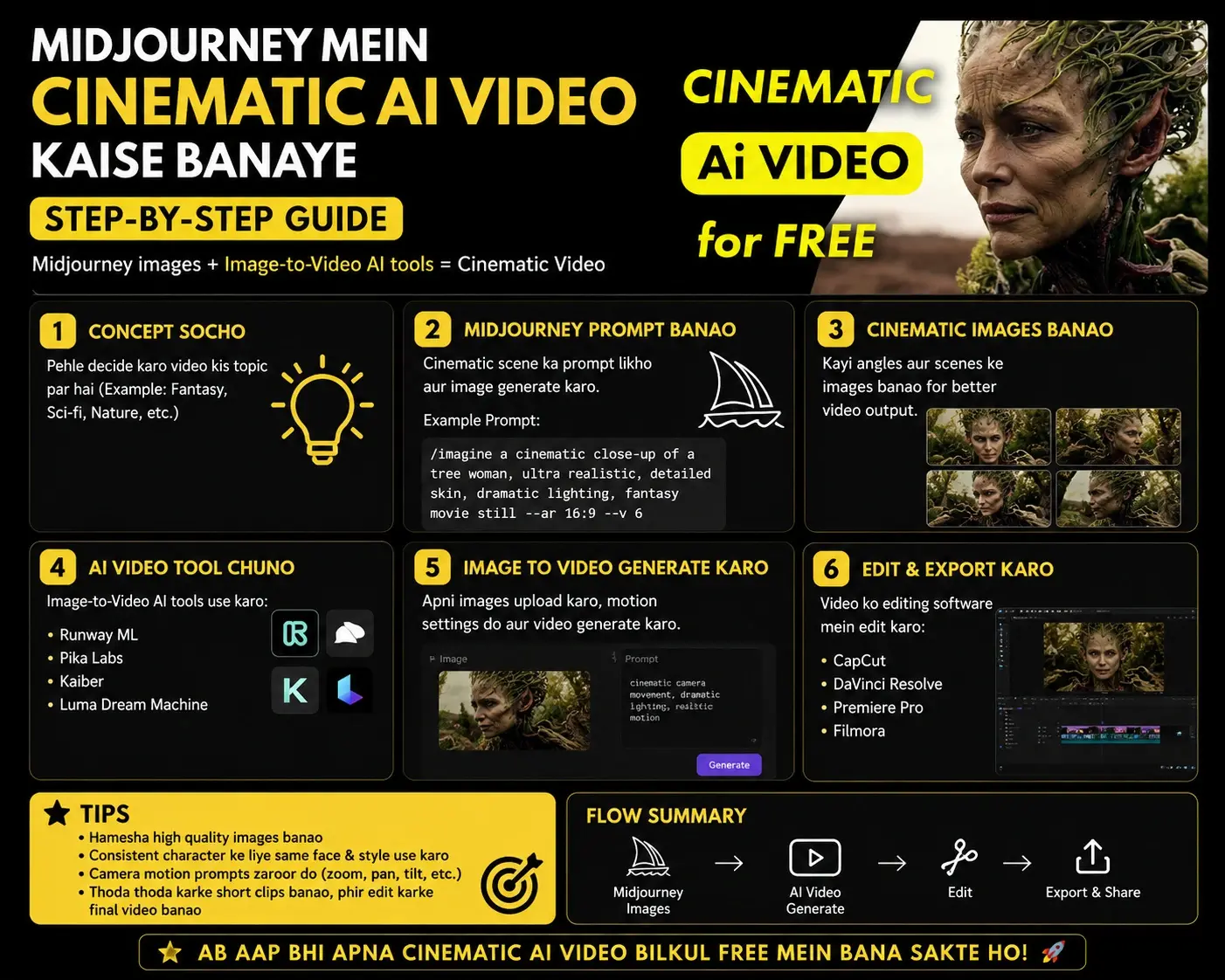
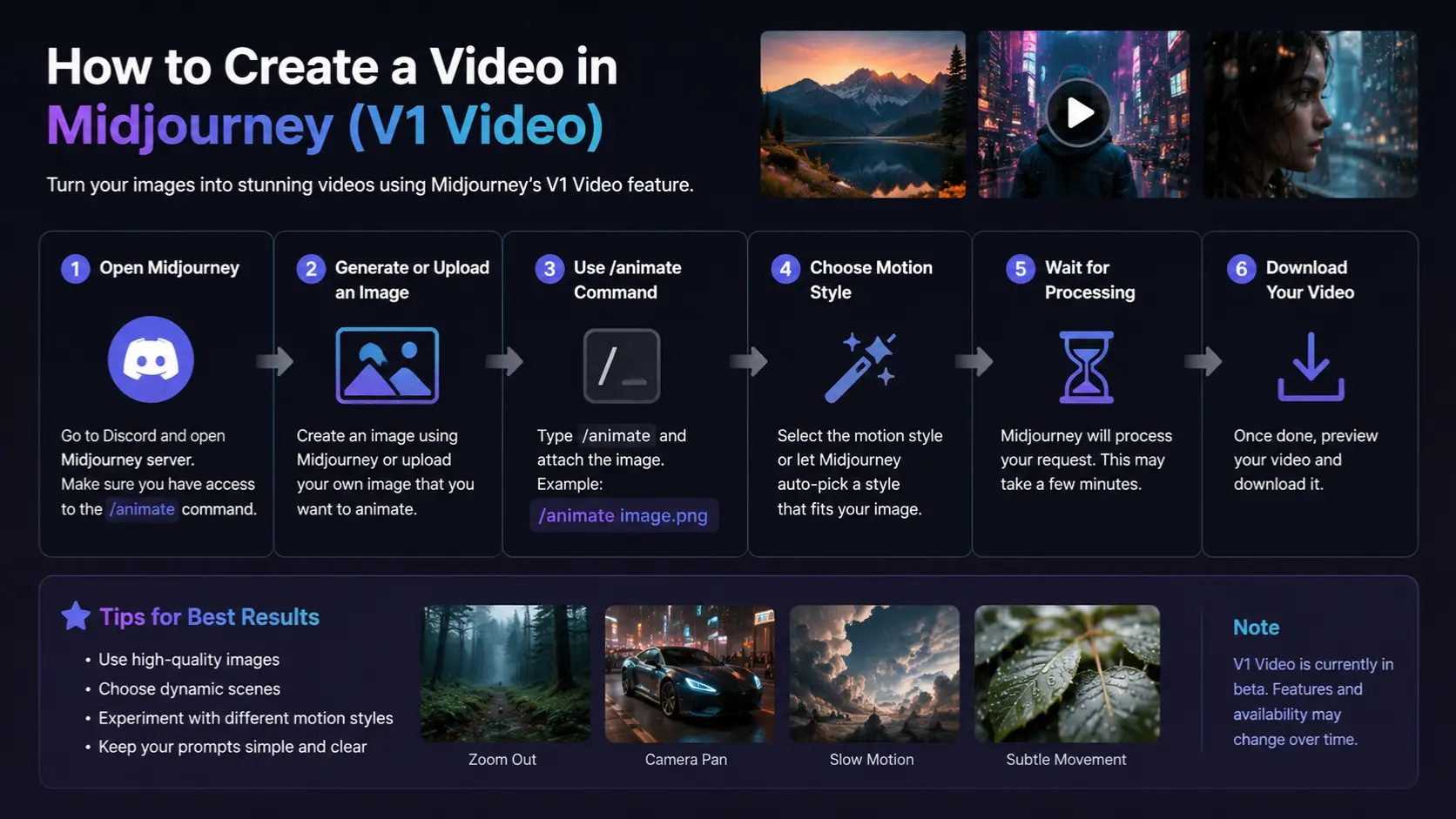
Step-by-Step: How to Create a Video in Midjourney.
Create a Midjourney Account
To begin, users must access the official platform:
Midjourney
- Sign in using Discord or the web interface
- Select a paid subscription plan (video features require subscription)
- Open the image generation dashboard
Important: Free accounts do not support video generation features.
Generate High-Quality Cinematic Images
Video quality depends entirely on the base image.
Prompt Structure Formula:
Subject + Environment + Lighting + Camera Style + Mood + Detail
Example Prompt:
cyberpunk warrior walking through neon city, rainy atmosphere, cinematic lighting, shallow depth of field, ultra realistic, film composition –ar 16:9
Pro Optimization Terms:
- cinematic lighting
- volumetric fog
- depth of field
- ultra realistic textures
- atmospheric mood
Better image input = higher quality video output.
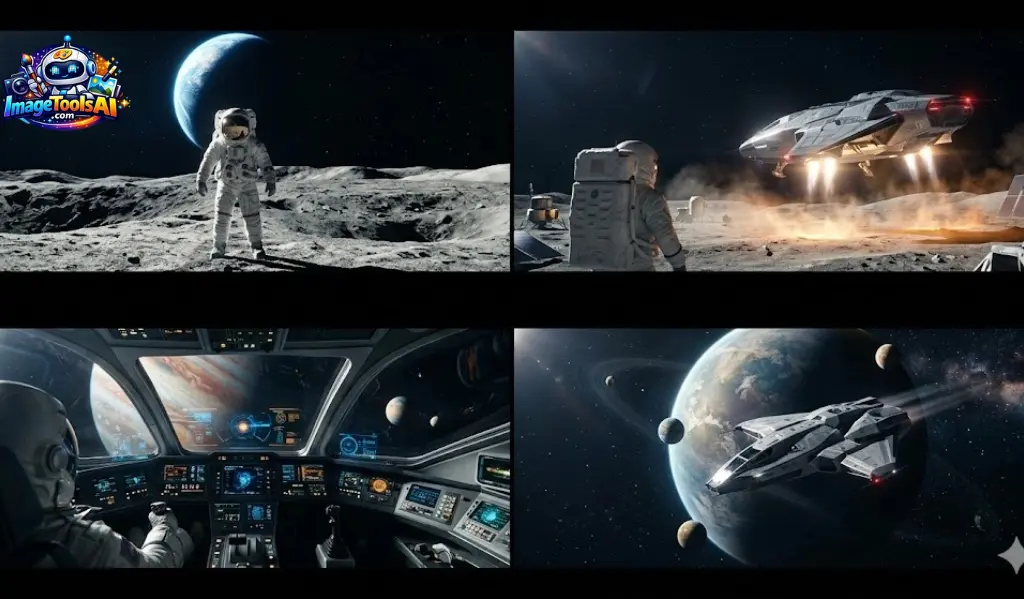
Choose Aspect Ratio
Different platforms require different framing.
| Platform | Recommended Ratio |
| YouTube | 16:9 |
| TikTok | 9:16 |
| 1:1 | |
| Film | 21:9 |
Aspect ratio directly affects storytelling framing and composition balance.
Upscale Your Image
Before animation, upscale your selected frame.
Benefits:
- Higher resolution output
- Better motion stability
- Sharper visual details
- Improved lighting accuracy
Animate the Image
This is where static visuals become motion sequences.
Motion Types:
Low Motion
- Slow camera movement
- Realistic cinematic flow
- Best for storytelling
High Motion
- Fast action scenes
- Dynamic camera movement
- Ideal for ads and gaming visuals
Add Motion Prompts
Motion prompting defines cinematic quality.
Example Motion Prompt:
slow cinematic dolly forward, rain falling gently, neon reflections on wet ground, fog drifting across the street, atmospheric depth
Camera Language Types:
- Dolly shot → forward/back movement
- Drone shot → aerial perspective
- Orbit shot → circular motion
- Tracking shot → side-follow movement
- Crane shot → vertical elevation movement
This stage determines realism and cinematic depth.
Extend Video Length
Since AI clips are short:
- Extend multiple segments
- Maintain visual continuity
- Preserve motion consistency
- Build narrative progression
This creates longer storytelling sequences.
Export Final Video
After rendering:
- Export a high-quality video file
- Optionally edit in external software
- Add sound design or music
- Finalize cinematic output
Complete Workflow Summary Table
| Step | Action | Output |
| 1 | Generate image | Base cinematic frame |
| 2 | Upscale image | Enhanced resolution |
| 3 | Add motion | Animation begins |
| 4 | Camera prompts | Cinematic movement |
| 5 | Extend clips | Longer sequence |
| 6 | Export | Final video |
Key Features of Midjourney Video
- Image-to-video transformation system
- AI cinematic motion generation
- Real-time camera simulation
- Motion intensity control (low/high)
- Loop Animation Support
- Short film capability
- High-definition rendering output
Advanced Tips for Better Midjourney Videos
Start With Strong Visual Foundations
Weak images produce weak videos.
Use Cinematic Keywords
Include:
- film lighting
- volumetric shadows
- depth realism
Keep Motion Controlled
Over-animated scenes reduce realism.
Use Real Film Terminology
Examples:
- handheld shot
- dolly zoom
- wide-angle lens
Maintain Style Consistency
Uniform visual tone improves storytelling quality.
Best AI Video Alternatives to Midjourney
Runway ML
Advanced editing with timeline control.
Pika Labs
Fast social media video creation.
Luma AI
Realistic motion simulation.
Kling AI
Physics-based animation engine.
Veo AI
Story-driven cinematic generation.
Midjourney vs Other AI Video Tools
| Tool | Strength | Weakness |
| Midjourney | Cinematic visuals | Short duration |
| Runway ML | Editing control | Less artistic output |
| Pika Labs | Speed | Limited realism |
| Luma AI | Motion realism | Slower processing |
| Kling AI | Physics accuracy | Complex workflow |
Pros and Cons of Midjourney Video
Advantages
- High cinematic quality
- Beginner-friendly interface
- Fast production workflow
- Ideal for social content
- Strong visual aesthetics
Disadvantages
- Limited video duration
- No full editing timeline
- Occasional motion artifacts
- Requires external editing tools
Professional Workflow Strategy
Experts follow structured pipelines:
- Generate multiple image variations
- Select the best cinematic frame
- Apply motion generation
- Extend clips strategically
- Final editing in external tools
This ensures professional-level output.
FAQs
A: No, it generates short cinematic clips (approximately 21 seconds maximum).
A: Not required, but editing significantly improves final quality.
A: Yes, external images can be animated.
A: Yes, especially for Shorts, intros, and cinematic sequences.
A: Low motion = realism
High motion = dynamic action
Conclusion
Out of nowhere, tools like Midjourney now let people make polished video scenes just by typing ideas. In 2026, crafting moving images feels almost instant – no fancy gear needed. Instead of years of training, a thought followed by words can start something visual. For most, film quality once reserved for studios pops up in minutes. While editing used to demand complex software, now it slips through the cracks of simple input. What was rare becomes common, quietly shifting who gets to create.
Still, getting good outcomes ties back to grasping prompts, Movement, because narrative matters. Midjourney works beyond function – its strength shows when you shape ideas like scenes, follow clear steps.
Putting together sharp visuals, clever movement cues, one steady look – then quality clips start flowing. When those pieces click, results show up clean and ready for feeds, ads, or scenes.











