Introduction
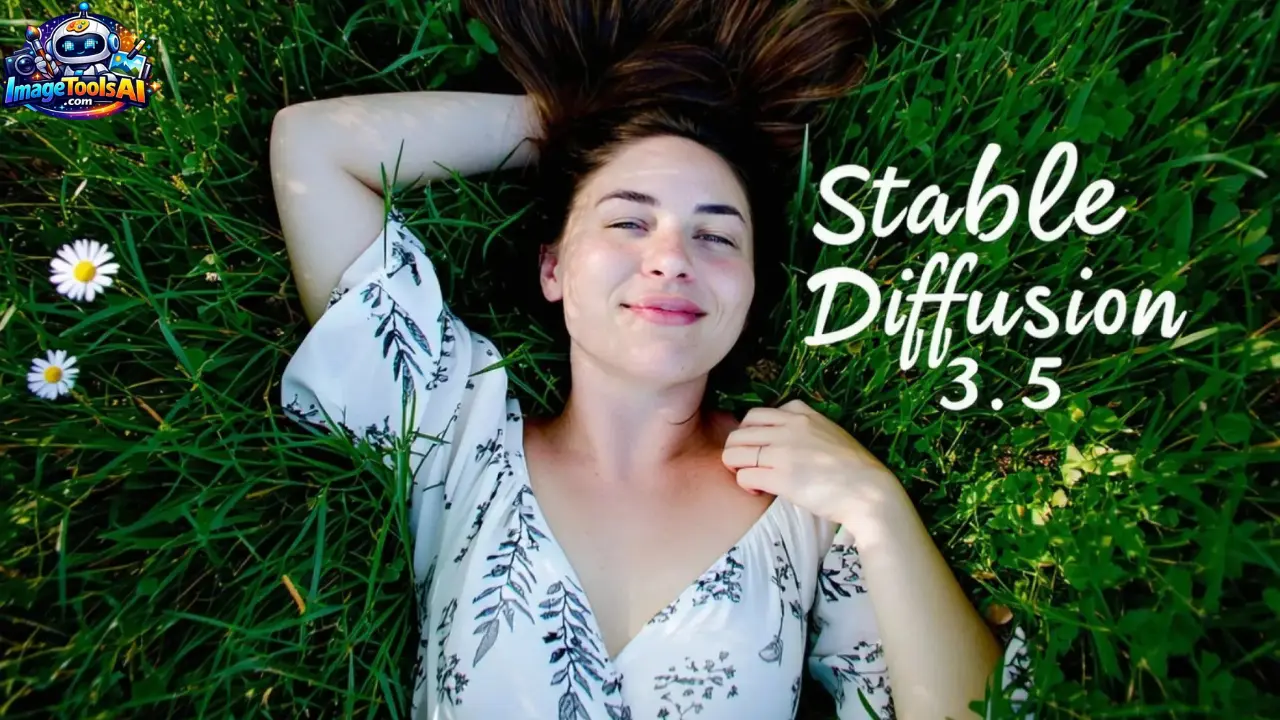
These days, lots of folks in tech are chatting about Stable Diffusion 3.5 – especially coders, visual artists, and builders exploring open models instead of Midjourney or FLUX. While some lean on closed tools, others find freedom in weights they can tweak themselves. It stands out not because it’s flashy, but because it gives control back to those building with it. Curiosity drives many toward its flexible structure rather than rigid platforms. Even without big ads, word spreads through labs and late-night experiments.
Starting fresh, this version swaps old methods for a smarter approach. Instead of basic setups, it uses transformers to grasp what users describe. Because of this shift, images match prompts more closely. Scenes hold together better from start to finish. Custom tweaks become easier without extra steps. The model adapts faster than earlier types did.
Truth is, nearly every write-up skips this part
Not just another Stable Diffusion upgrade
It is a completely different generation of architecture.
In this guide, we will break down:
- How it actually works (without hype)
- Where it beats competitors like FLUX and Midjourney
- Where it still struggles in real production workflows
- And whether it is worth using in 2026
If you are serious about AI image generation, this is the only guide you will need.
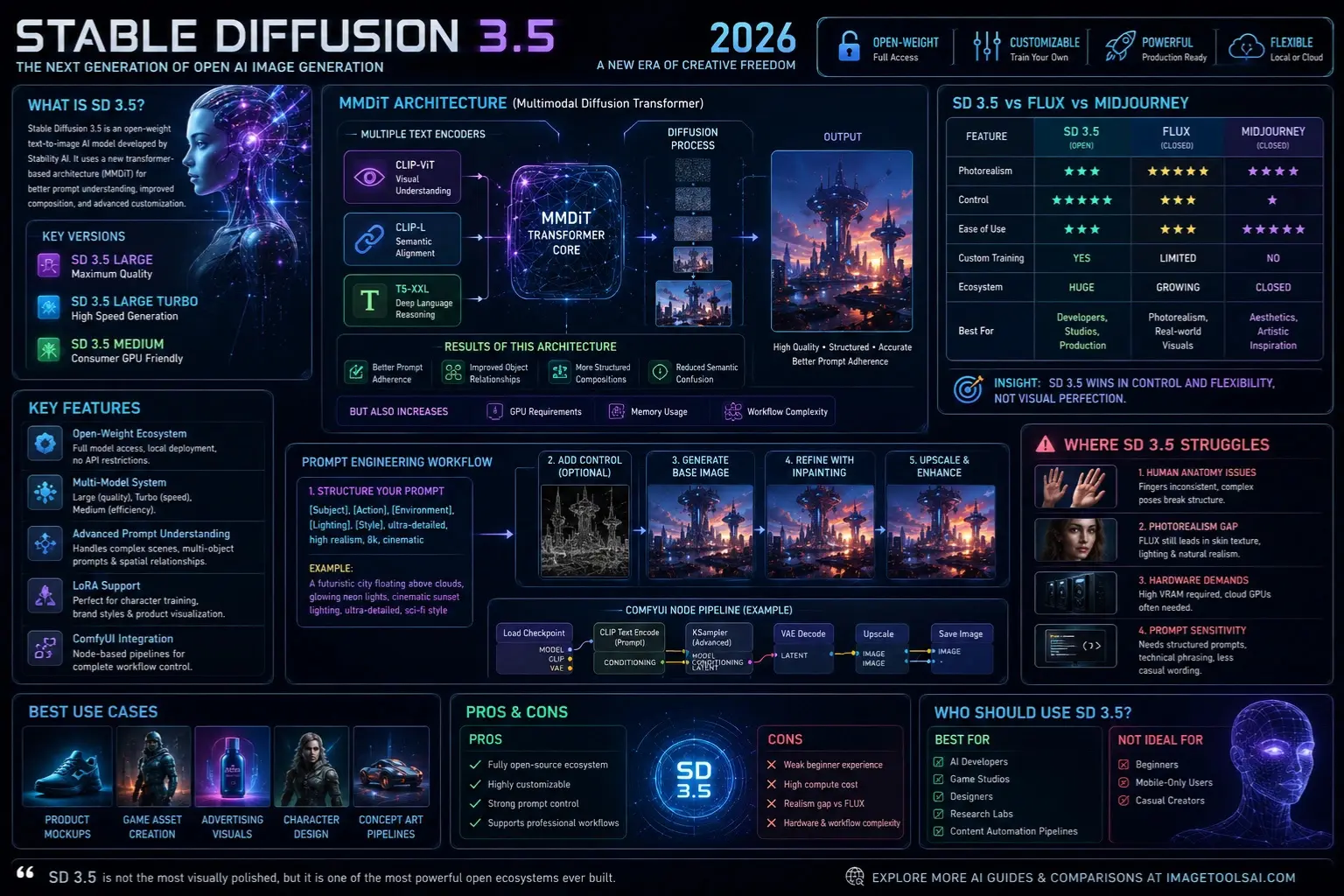
WHAT IS STABLE DIFFUSION 3.5?
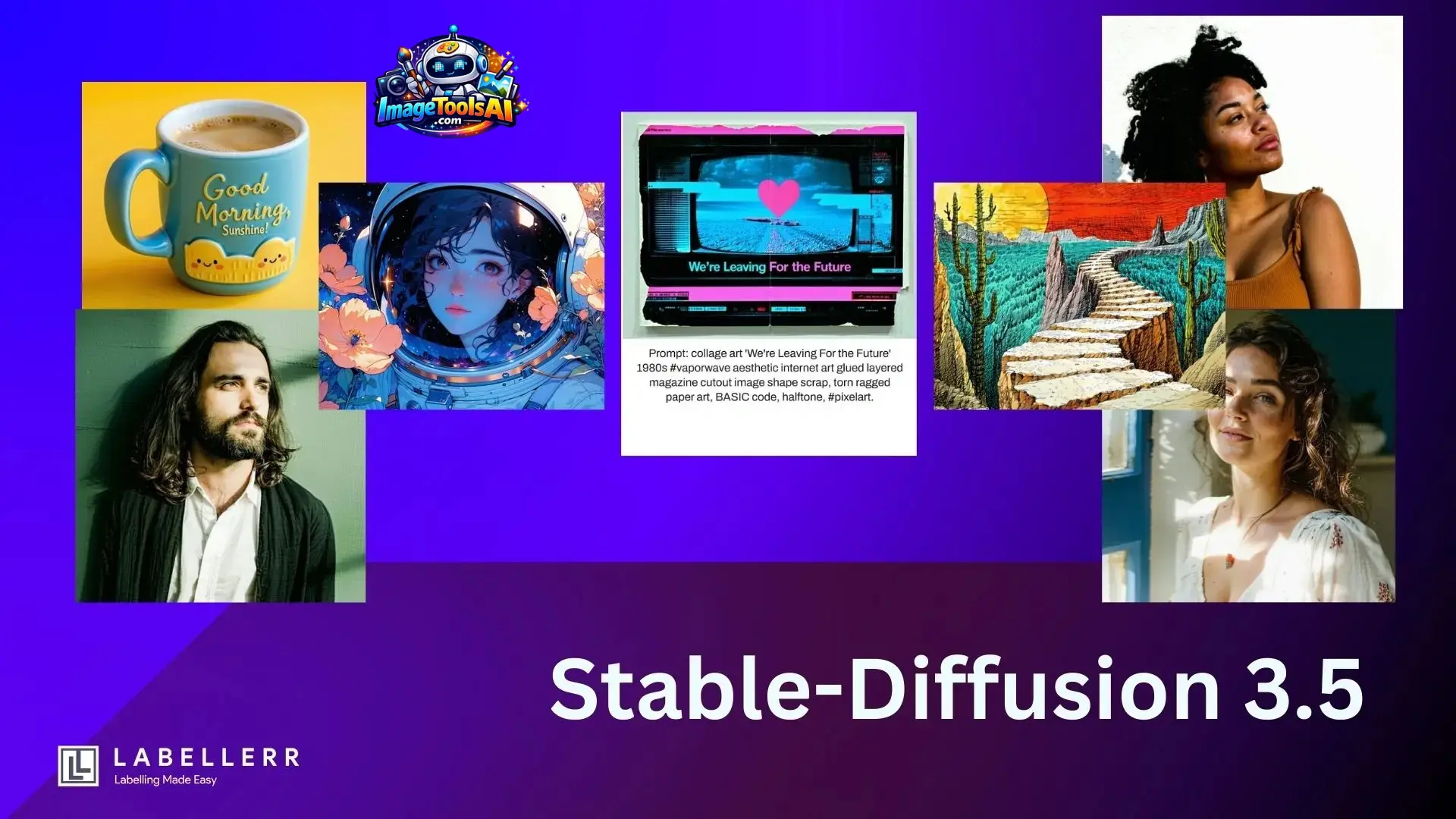
Stable Diffusion 3.5 is an open-weight text-to-image AI model developed by Stability AI.
It belongs to a new generation of diffusion models that use transformer-based architectures instead of traditional U-Net systems.
Key Versions:
- SD 3.5 Large → Maximum quality output
- SD 3.5 Large Turbo → Fast generation
- SD 3.5 Medium → Consumer GPU-friendly version
Why it matters:
Unlike closed models like Midjourney, SD 3.5 is:
- Fully open-weight
- Locally deployable
- Highly customizable
HOW STABLE DIFFUSION 3.5 WORKS
At its core, SD 3.5 uses a Multimodal Diffusion Transformer (MMDiT).
Core Architecture
It combines multiple text encoders:
- CLIP-ViT → Visual understanding
- CLIP-L → Semantic alignment
- T5-XXL → Deep language reasoning
What this means in practice:
Instead of “guessing” your prompt, SD 3.5 interprets it from multiple language perspectives simultaneously.
Result of This Architecture:
✔ Better prompt adherence
✔ Improved object relationships
✔ More structured compositions
✔ Reduced semantic confusion
But it also increases:
- GPU requirements
- Memory usage
- Workflow complexity
WHY STABLE DIFFUSION 3.5 MATTERS IN 2026
AI image generation has become a three-way competition:
- SD 3.5 → Control & customization
- FLUX → Photorealism
- Midjourney → Aesthetics
Unlike older models, SD 3.5 is designed for production pipelines, not just casual image creation.
KEY FEATURES OF STABLE DIFFUSION 3.5
Open-Weight Ecosystem
- Full model access
- Local Deployment
- No API restrictions
Multi-Model System
- Large (quality)
- Turbo (speed)
- Medium (efficiency)
Advanced Prompt Understanding
Handles:
- Multi-object scenes
- Complex instructions
- Spatial relationships
LoRA Support
Used for:
- Character training
- Brand styles
- Product visualization
ComfyUI Integration
Supports full node-based pipelines for production workflows.
SD 3.5 VS FLUX VS MIDJOURNEY
| Feature | SD 3.5 | FLUX | Midjourney |
| Photorealism | Medium | ⭐ High | High |
| Control | ⭐⭐⭐ High | Medium | Low |
| Ease of Use | Medium | Medium | ⭐ High |
| Custom Training | ⭐ Yes | Limited | No |
| Ecosystem | ⭐ Huge | Growing | Closed |
Insight:
SD 3.5 wins in control and flexibility, not visual perfection.
WHERE STABLE DIFFUSION 3.5 STRUGGLES
Human Anatomy Issues
- Fingers still inconsistent
- Complex poses often break the structure
Photorealism Gap
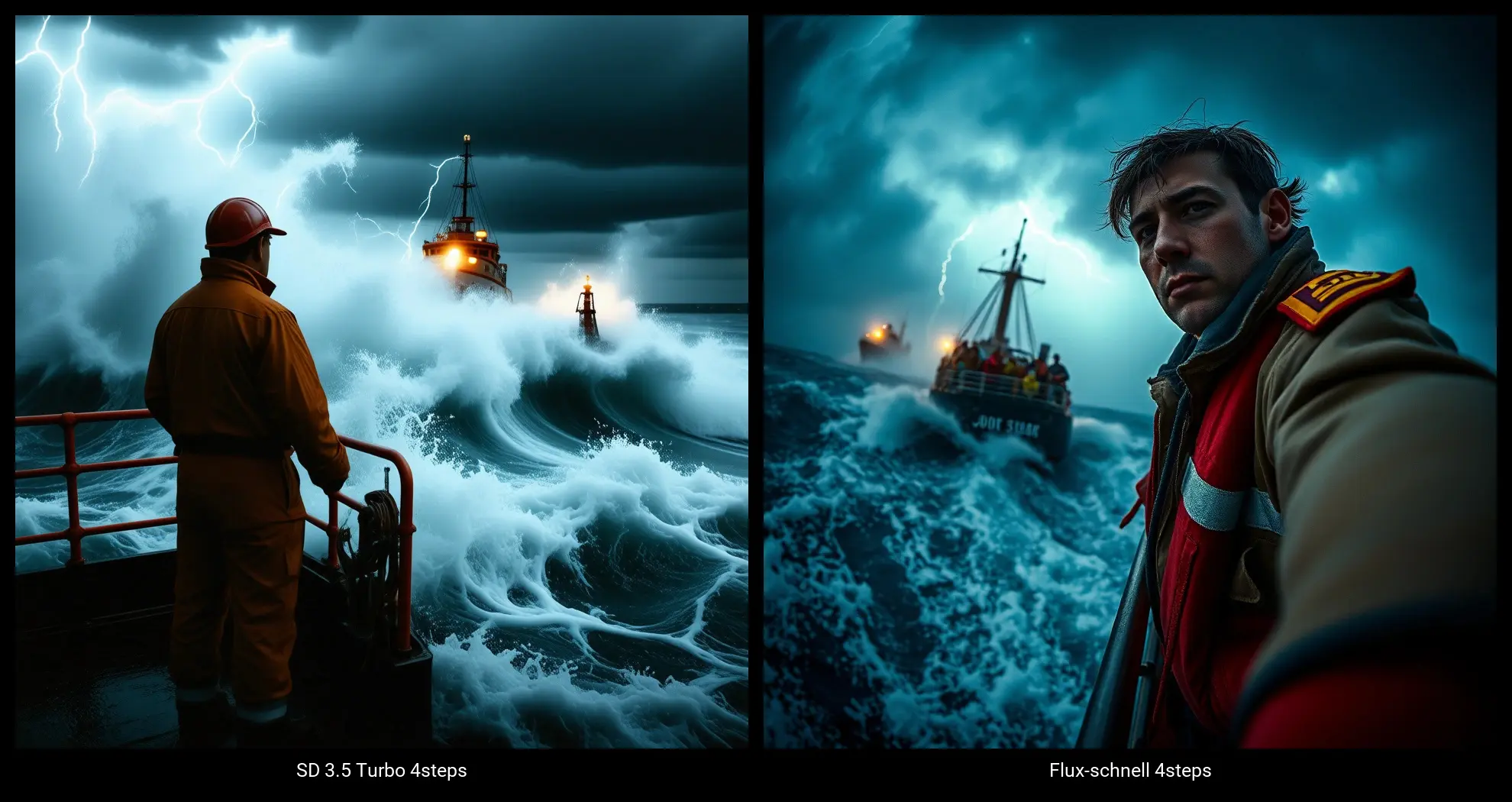
FLUX AI still produces:
- Better skin texture
- More natural lighting
- Superior realism
Hardware Demands
- High VRAM required
- Not beginner-friendly
- Cloud GPUs often needed
Prompt Sensitivity
Needs:
- Structured prompts
- Technical phrasing
- Less “casual wording.”
WHO SHOULD USE STABLE DIFFUSION 3.5?
Best For:
- AI developers
- Game studios
- Designers
- Research labs
- Content automation pipelines
Not Ideal For:
- Beginners
- Mobile-only users
- Casual creators
STEP-BY-STEP: HOW TO USE SD 3.5
- Install ComfyUI or Automatic1111
- Load SD 3.5 model checkpoint
- Add prompt structure
- Apply optional ControlNet
- Generate base image
- Refine with inpainting
- Upscale output
This makes SD 3.5 a production system, not a tool
BEST USE CASES
- Product mockups
- Game asset creation
- Advertising visuals
- Character design
- Concept art pipelines
PROS & CONS
Pros
- Fully open-source ecosystem
- Highly customizable
- Strong Prompt Control
- Supports professional workflows
Cons
- Weak beginner experience
- High compute cost
- Realism gap vs FLUX
BEST PROMPT STRUCTURE
Template:
[Subject], [Action], [Environment], [Lighting], [Style], ultra-detailed, high realism, 8k, cinematic
Example:
“A futuristic city floating above clouds, glowing neon lights, cinematic sunset lighting, ultra-detailed, sci-fi style”
COMMON MISTAKES
- Using vague prompts
- Ignoring model version differences
- Skipping ControlNet
- Not optimizing GPU settings
FUTURE OF AI IMAGE GENERATION
The next generation will focus on:
- Real-time rendering
- Video diffusion models
- Multimodal design systems
- Fully automated creative pipelines
SD 3.5 is a bridge model toward that future
PEOPLE ALSO ASK
A: It depends on your goal. Midjourney is better for aesthetics, but SD 3.5 offers far more control and customization.
A: Yes, but only the Medium version. Large models require high-end GPUs or cloud computing.
A: Yes, it is open-weight and allows local deployment and fine-tuning.
A: It uses a transformer-based MMDiT architecture with multiple text encoders for better understanding.
A: FLUX is better for realism, but SD 3.5 is better for control and workflow integration.
FEATURED IMAGE PROMPT
“Futuristic AI diffusion model visualization, glowing neural network, digital art generation pipeline, cinematic blue and purple tones, ultra-detailed tech aesthetic, 16:9”
SOCIAL MEDIA CAPTIONS
- “Stable Diffusion 3.5 explained in simple terms — the future of open AI art is here.”
- “SD 3.5 vs FLUX vs Midjourney — which AI wins in 2026?”
- “This AI model is changing how creators build images forever.”
PINTEREST TITLE
Stable Diffusion 3.5 Explained: Features, Architecture & Comparison Guide (2026)
YOUTUBE TITLE
Stable Diffusion 3.5 Explained: FLUX vs Midjourney vs SD 3.5 (Full Breakdown 2026)
AI OVERVIEW SNIPPET
Stable Diffusion 3.5 is an open-weight AI image generation model developed by Stability AI. It uses a multimodal diffusion transformer (MMDiT) with multiple text encoders to improve prompt understanding, scene structure, and customization. It is best for developers and creators who need control, while FLUX leads in realism, and Midjourney leads in aesthetics.
CONCLUSION
Stable Diffusion 3.5 is not the most visually polished AI image generator, but it is one of the most powerful open ecosystems ever built.
If you need:
- Control → choose SD 3.5
- Realism → choose FLUX
- Simplicity → choose Midjourney
For developers, designers, and AI creators, SD 3.5 remains a core foundational tool in 2026 AI workflows.
Explore more AI guides and comparisons on ImageToolsAI.com to stay ahead in the evolving AI creative space.











