Introduction
The Remini 3.x Series has become one of the most advanced AI photo-enhancement systems in mobile editing. Powered by deep learning and generative AI models, it transforms blurry, pixelated, and old images into sharp, high-definition visuals that often look professionally edited.
Unlike traditional editing apps, Remini does not simply sharpen images. Instead, it rebuilds facial structure, predicts missing pixels, and recreates visual details using trained AI models. This is why the results often look surprisingly realistic—even when the original photo is very low quality.
In 2026, as AI image tools continue to evolve rapidly, understanding how the Remini 3.x Series works has become essential for creators, marketers, designers, and everyday users who rely on AI photo enhancement.
This guide will break down everything in detail:
- Evolution of Remini 3.x versions
- AI technology behind image restoration
- Features and improvements
- Real-world use cases
- Limitations and user experience
- Alternatives and future AI direction
By the end, you will understand not just what Remini does—but how it actually thinks.
What is Remini 3.x Series?
The Remini 3.x Series is the latest generation of Remini, designed to improve image clarity through advanced AI models.
It is not a simple filter-based app. Instead, it uses:
- Deep learning neural networks
- Image restoration algorithms
- Face reconstruction models
- Generative AI systems
Simple Explanation:
Remini 3.x = AI system that recreates missing image details intelligently
Main Purpose:
- Restore old photos
- Enhance blurry images
- Improve facial clarity
- Upscale resolution
- Generate AI-enhanced portraits
This makes it one of the most widely used AI photo enhancement tools globally.
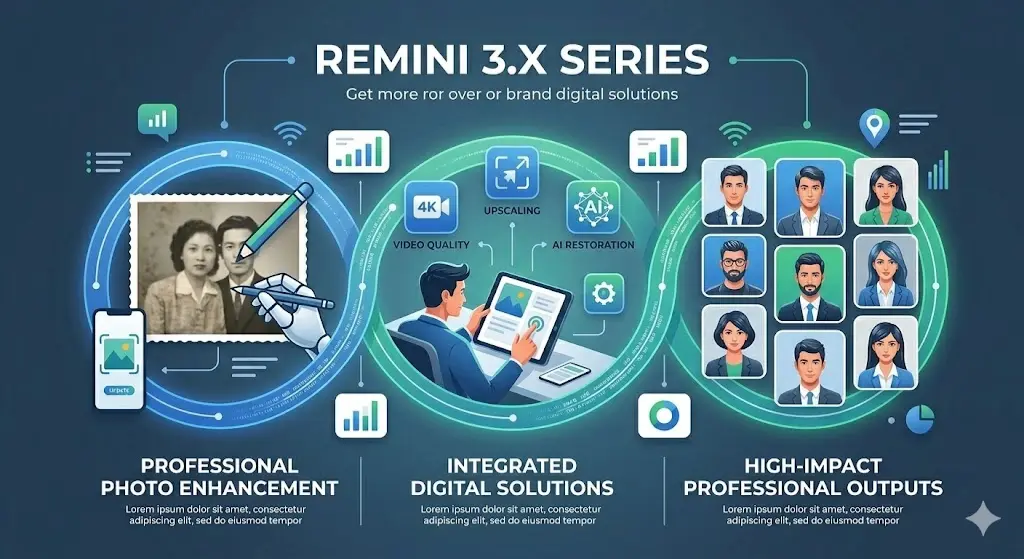
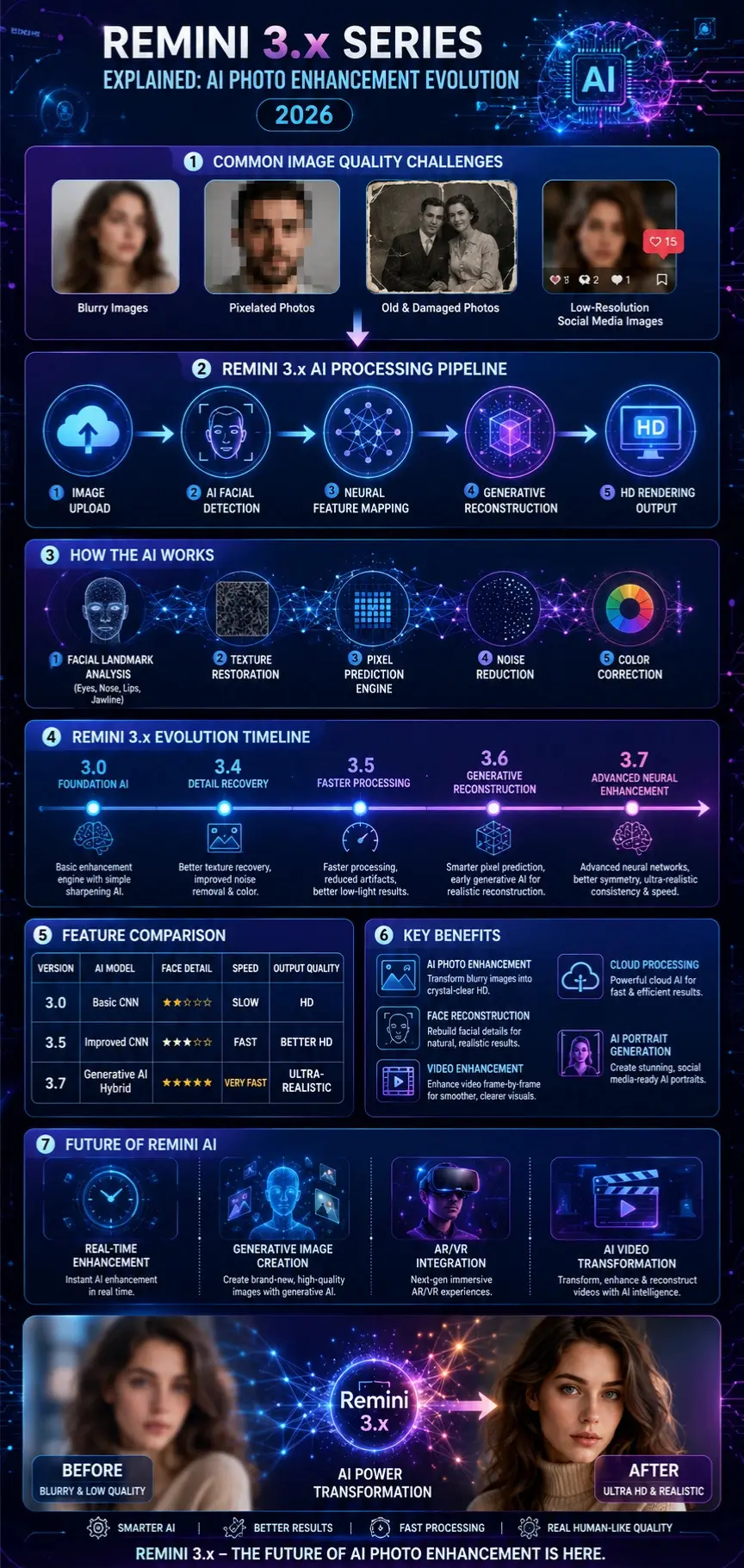
How Remini 3.x AI Actually Works
To understand Remini properly, you need to understand how modern AI image reconstruction works.
Remini uses a combination of computer vision + generative AI + diffusion-style prediction systems.
Image Deconstruction
When you upload an image, the AI breaks it into components:
- Facial landmarks (eyes, nose, lips, jawline)
- Texture patterns (skin, hair, background noise)
- Lighting conditions
- Pixel density and blur analysis
The system identifies what is missing vs what is usable.
🧩 Neural Feature Mapping
A trained neural network analyzes the image and predicts:
- Skin texture restoration
- Facial symmetry correction
- Color balancing
- Edge sharpening
This stage is where AI “understands” the face.
Generative Reconstruction
This is the most powerful step.
The AI uses learned datasets from millions of images to:
- Reconstruct missing pixels
- Generate realistic facial details
- Improve lighting consistency
- Remove noise intelligently
It does not copy pixels—it recreates them.
Final Rendering
The output is generated with:
- Enhanced sharpness
- Higher Resolution
- Balanced lighting
- More realistic facial structure
This is why Remini outputs often look like studio-quality photos.
Why Remini 3.x Matters in 2026
AI image enhancement is now a global industry, and Remini plays a major role in shaping it.
Key reasons it matters:
Mobile AI Revolution
Users no longer need Photoshop-level skills.
Democratization of Editing
Anyone can restore old or blurry images.
Cloud AI Processing
Heavy AI tasks are handled online.
Creator Economy Boost
Influencers use Remini for profile branding.
Competition with Professional Tools
It now competes with desktop tools like Adobe AI systems.

Remini 3.x Evolution Timeline
Unlike traditional apps, Remini evolves through continuous AI model upgrades.
3.0 – Foundation Release
- Basic enhancement engine
- Simple sharpening AI
- Early facial detection
3.4 – Detail Improvement Update
- Better texture recovery
- Improved noise removal
- Enhanced color correction
3.5 – Stability Upgrade
- Faster processing
- Reduced artifacts
- Improved low-light results
3.6 – AI Expansion Phase
- Early generative reconstruction
- Smarter pixel prediction
- More realistic facial structure
3.7 – Optimization Era
- Advanced neural networks
- Better symmetry correction
- Highly realistic output consistency
- Faster cloud rendering
Full Comparison Table
| Feature | 3.0 | 3.5 | 3.7 |
| AI Model | Basic CNN | Improved CNN | Generative AI Hybrid |
| Face Detail | Low | Medium | High |
| Speed | Slow | Fast | Very Fast |
| Video Support | No | Limited | Advanced |
| Output Quality | HD | Better HD | Ultra-realistic |
Key Features of Remini 3.x Series
AI Photo Enhancement
Transforms blurry images into sharp HD visuals.
Face Reconstruction AI
Rebuilds facial structures using learned datasets.
Video Enhancement
Improves frame-by-frame video clarity.
Cloud-Based AI Processing
No heavy load on mobile devices.
AI Portrait Generator
Creates polished social media-ready portraits.
Benefits for Creators & Businesses
- Faster content creation
- Better visual branding
- Old Photo Restoration
- Social media growth support
- Affordable AI editing solution
Especially useful for freelancers and digital marketers.
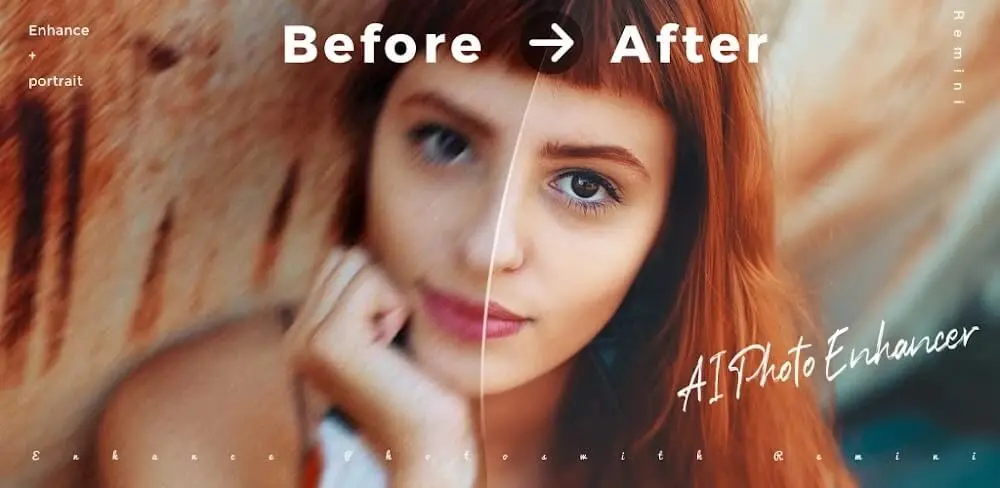
Step-by-Step Guide: How to Use Remini 3.x
- Install Remini
- Open the app
- Upload an image or a video
- Select enhancement mode
- Wait for AI processing
- Download the improved image
Best Use Cases
- Old family photo restoration
- Blurry portrait enhancement
- Social media profile images
- Low-light photography fix
- Content creation visuals
Pricing Model Explained
Remini typically follows a freemium model:
Free Version:
- Ads included
- Limited processing
- Watermarked or reduced quality output
Premium Version:
- HD exports
- Faster processing
- No ads
- Full AI features unlocked
Pros and Cons of Remini 3.x
Advantages
- Extremely strong facial reconstruction
- Fast cloud AI processing
- Easy to use
- High-quality enhancement results
Disadvantages
- Ads in the free version
- Subscription required for best output
- Can over-smooth faces
- Requires an internet connection
Best Alternatives to Remini 3.x
If you want alternatives, here are strong competitors:
- Adobe Photoshop AI
- Canva AI Photo Enhancer
- Lensa AI
- Fotor AI
- Let’s Enhance AI
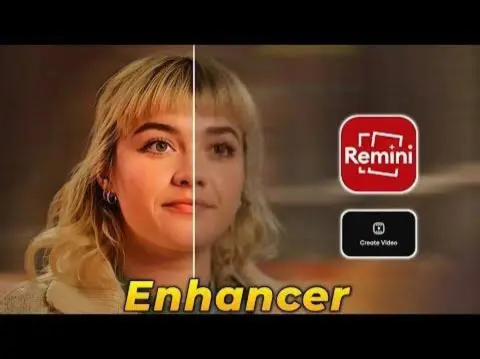
Comparison: Remini vs Competitors
| Tool | Strength | Weakness |
| Remini | Face restoration | Ads & subscription |
| Photoshop AI | Professional control | Complex interface |
| Canva AI | Easy editing | Less realistic results |
| Lensa AI | Portrait style | Limited tools |
Tips to Get the Best Results
- Use clear base images
- Avoid extreme blur photos
- Use portrait mode images
- Try multiple enhancements
- Compare outputs before saving
Common Mistakes Users Make
- Expecting perfect restoration from damaged images
- Using very low-quality input images
- Overusing the enhancement repeatedly
- Ignoring lighting conditions
Who Should Use Remini?
- Content creators
- Social media influencers
- Freelancers
- Students restoring memories
- Small businesses
Who Should Avoid It?
- Professional editors needing full control
- Offline users
- High-end graphic designers
Realistic Expectations
Remini is powerful but not magical.
It can:
- Reconstruct missing details
- Improve Clarity
- Enhance facial realism
It cannot:
- Recover fully destroyed images
- Guarantee perfect identity accuracy
Future of Remini AI
The future direction includes:
- Real-time AI enhancement
- Full generative image creation
- AR/VR integration
- Video face transformation
- Competition with Adobe Firefly
Remini is evolving into a full AI media creation ecosystem.
People Also Ask
A: Yes, it is widely used globally, but always check privacy policies for professional use.
A: It uses real neural networks and generative AI systems.
A: Because it reconstructs missing data using AI predictions.
A: Yes, but results depend on image quality.
A: For beginners, yes, but Photoshop offers more control.
Featured Image Prompt
“Ultra realistic AI image enhancement process, blurry portrait transforming into HD face, neural network visualization, futuristic blue purple tech interface, cinematic lighting, 4K”
Social Media Captions
- “Remini 3.x is redefining AI photo restoration in 2026.”
- “Old blurry photos → Ultra HD AI magic in seconds.”
- “This is the future of mobile photo editing.”
Pinterest Title
Remini 3.x Series Complete Guide: AI Photo Enhancement Explained (2026)
YouTube Title
Remini 3.x AI Explained: How It Really Works + Full Review (2026)
AI Overview Snippet
Remini 3.x Series is an AI-powered photo enhancement system that uses neural networks and generative models to restore, upscale, and reconstruct images with high realism.
Conclusion
The Remini 3.x Series represents a major shift in AI-powered image enhancement, moving from simple sharpening tools to advanced generative reconstruction systems.
It is ideal for:
- Creators
- Marketers
- Designers
- Every day, users restore memories
However, users should understand its limitations in accuracy, subscription cost, and AI-generated imperfections.
For more AI tools breakdowns and expert guides, explore ImageToolsAI.com and stay updated with the future of AI image technology.











