Introduction
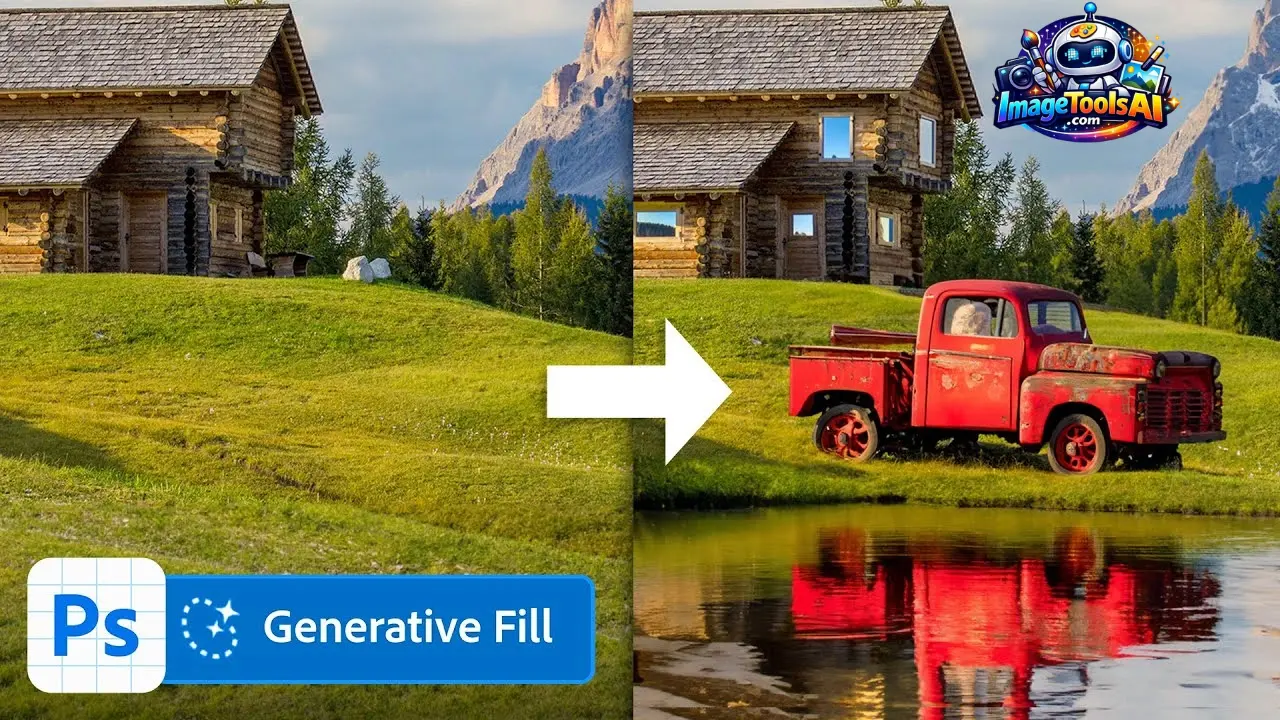
Out of nowhere, tools like Generative Fill AI started shifting what’s possible in visual design. Designers now reshape pictures just by typing words – no need to manually cut or paint anything. Marketers found it useful that tweaking visuals fast mattered more than perfect detail. Instead of clicking through layers, they describe changes, then watch edits appear almost instantly. Creators swap skies, erase objects, even invent scenes – all without touching traditional software tricks. This kind of tech doesn’t just speed things up – it alters who gets to make polished images.
Struggling with picking parts of images? Fixing tiny details by hand? Removing messy backgrounds? Now it takes just a few seconds. Thanks to tools built into apps like Photoshop and Firefly from Adobe, anyone can make polished, pro-level changes right away. Even those who’ve never edited before.
Here’s what happens behind the scenes with Generative Fill AI. Think of it like a tool that predicts and adds content based on patterns. By 2026, its role shifts from novelty to necessity in daily workflows. Creators aren’t testing it anymore – they rely on it to meet targets. Results show faster output, fewer roadblocks, and consistent quality. Instead of playing around, teams now build actual campaigns using this tech.
What Is Generative Fill AI?
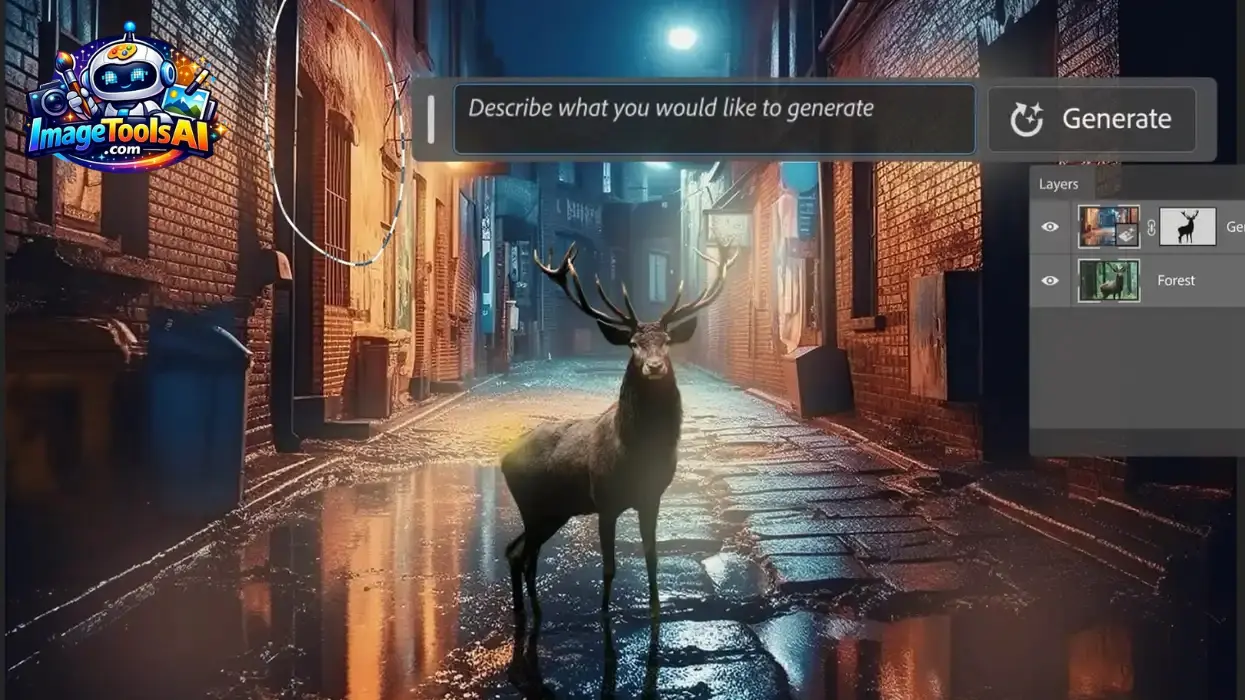
Picture pieces shift when needed, guided by the words you give. This tool learns patterns, so it adjusts areas without feeling forced. Stuff disappears or appears like it was always meant to be there. Context shapes each change, making edits fit naturally within the frame. Learning happens behind the scenes, feeding off data to make smart choices. Words steer where things go, how they grow, what vanishes next.
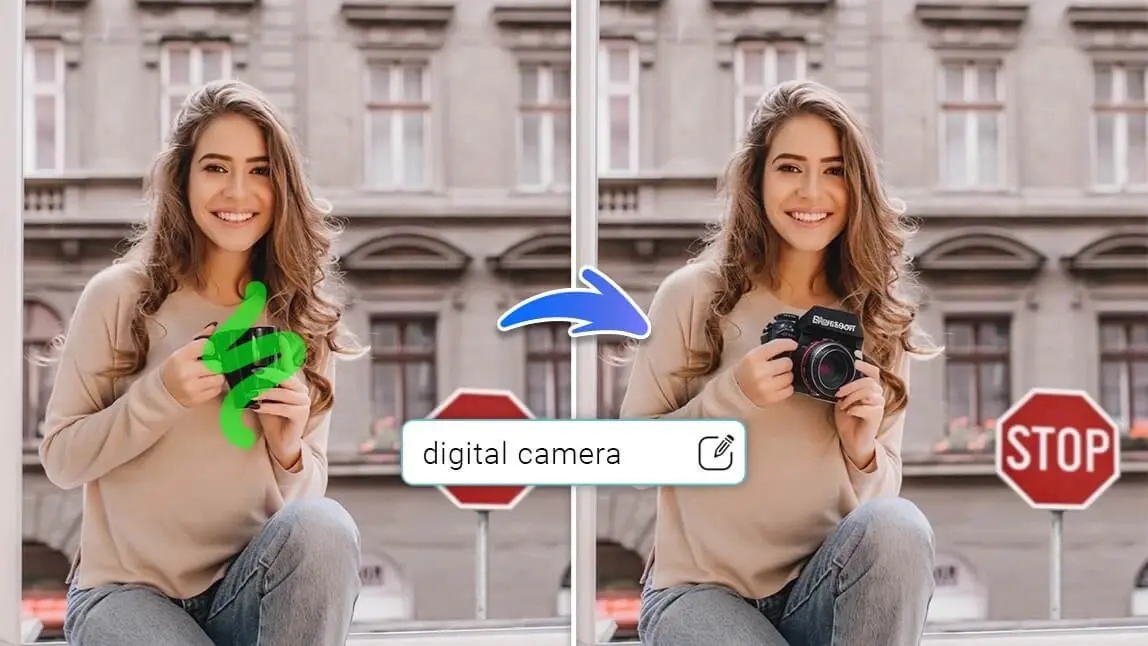
Pick a spot, then tell it what should happen there. No need to copy pixel by pixel or wrestle with tricky masks.
For example:
- “Add a modern sofa in this empty room”
- “Remove the person in the background”
- “Extend the sky into a sunset horizon”
The AI then generates realistic pixels that match lighting, perspective, and style.
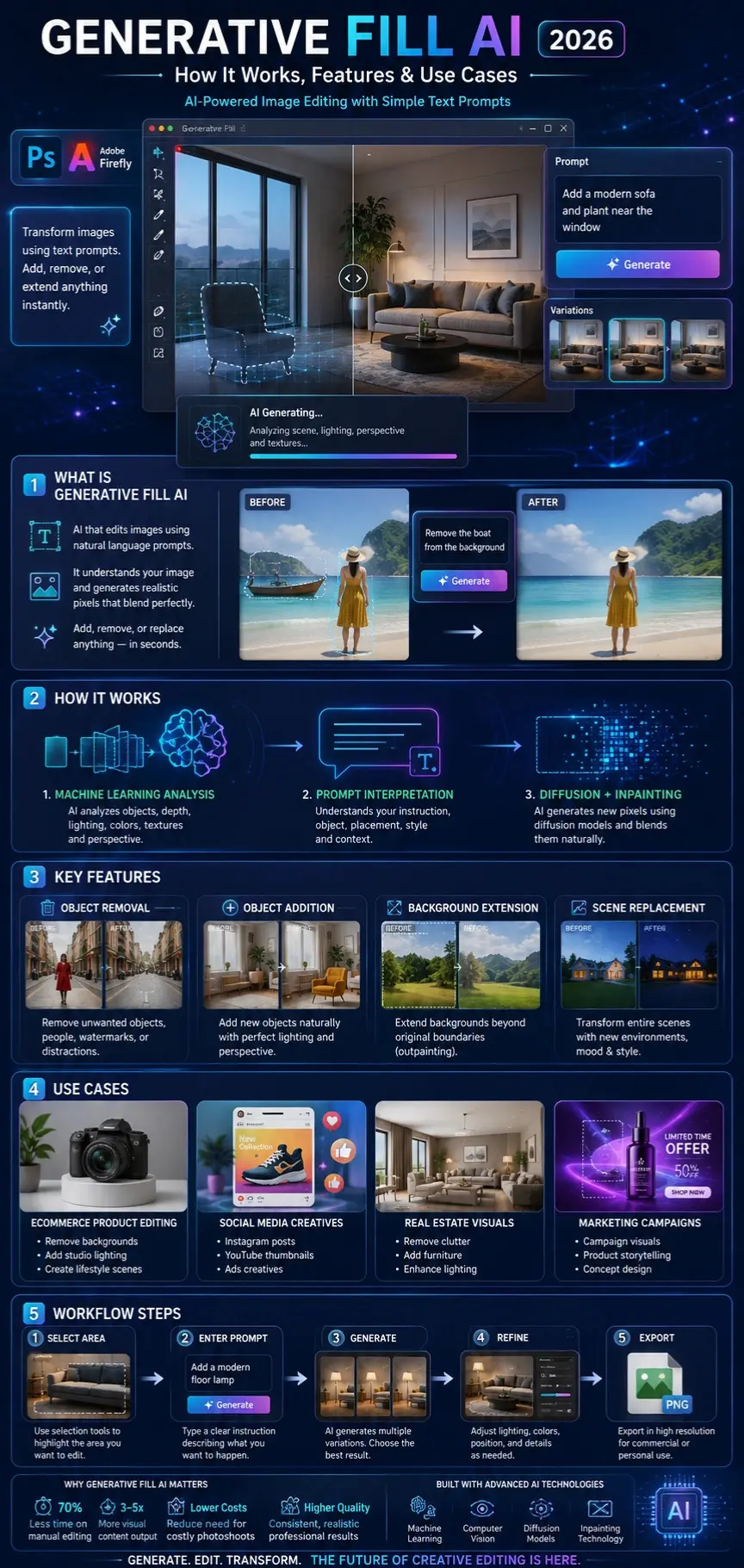
How Generative Fill AI Works
Generative Fill AI combines multiple AI technologies:
Machine Learning & Image Understanding
The system analyzes:
- Objects in the image
- Lighting conditions
- Depth and perspective
- Color tones and textures
This is powered by advanced computer vision models used in tools like Adobe Firefly.
Prompt Interpretation
When you type a prompt like:
“Add a wooden chair near the window”
The AI:
- Breaks down the semantic meaning
- Identifies object type (chair)
- Understands placement (near window)
- Applies stylistic matching (wood texture, lighting)
Image Generation & Blending
The AI generates new pixels and blends them using:
- Diffusion models
- Inpainting techniques
- Context-aware synthesis
This ensures the final output looks natural and not artificially inserted.
Why Generative Fill AI Matters in 2026
Generative Fill AI is not just a Photoshop feature—it is becoming a core creative infrastructure.
Key Industry Shifts:
- Designers spend 70% less time on manual edits
- Marketing teams produce 3–5x more visual content
- E-commerce product editing is almost fully automated
- AI-assisted creativity is now standard in agencies
Real Impact:
Instead of hiring multiple retouchers or using stock images, businesses now generate custom visuals instantly.
Platforms like Adobe Photoshop and AI design tools such as Canva AI and Stability AI models are accelerating this shift.
Key Features of Generative Fill AI
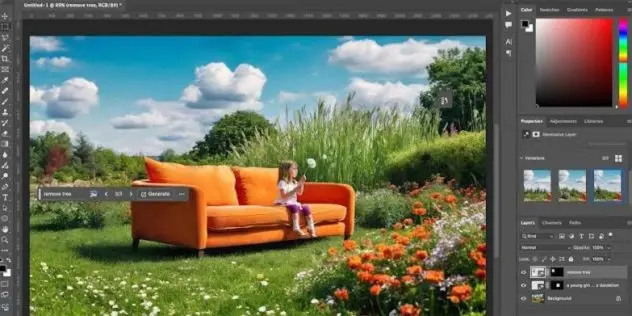
Object Addition
Add new objects into scenes:
- Furniture
- People
- Products
- Environmental elements
Example: “Add a luxury watch to the table”
Object Removal
Remove unwanted elements:
- Background distractions
- Watermarks
- People
- Objects
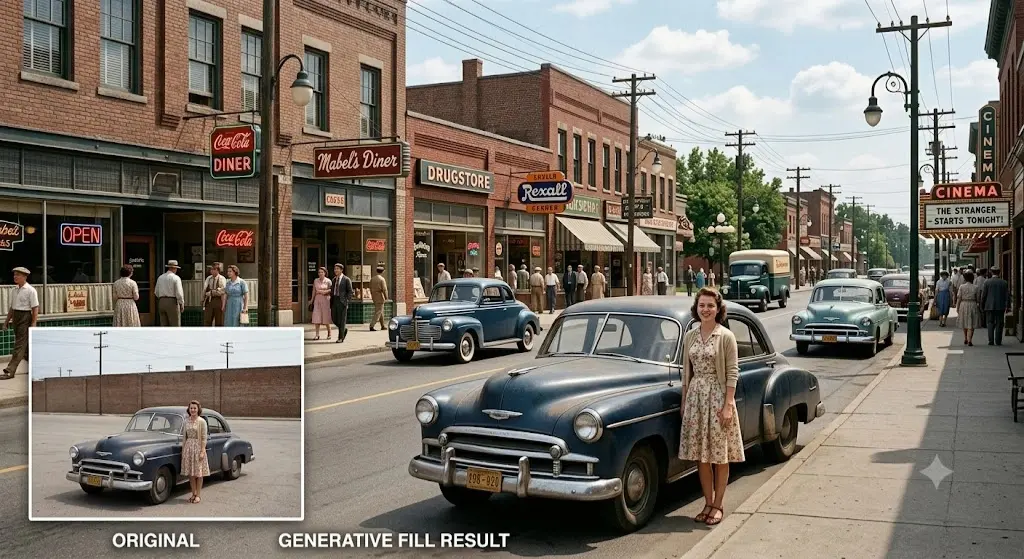
AI fills missing areas naturally.
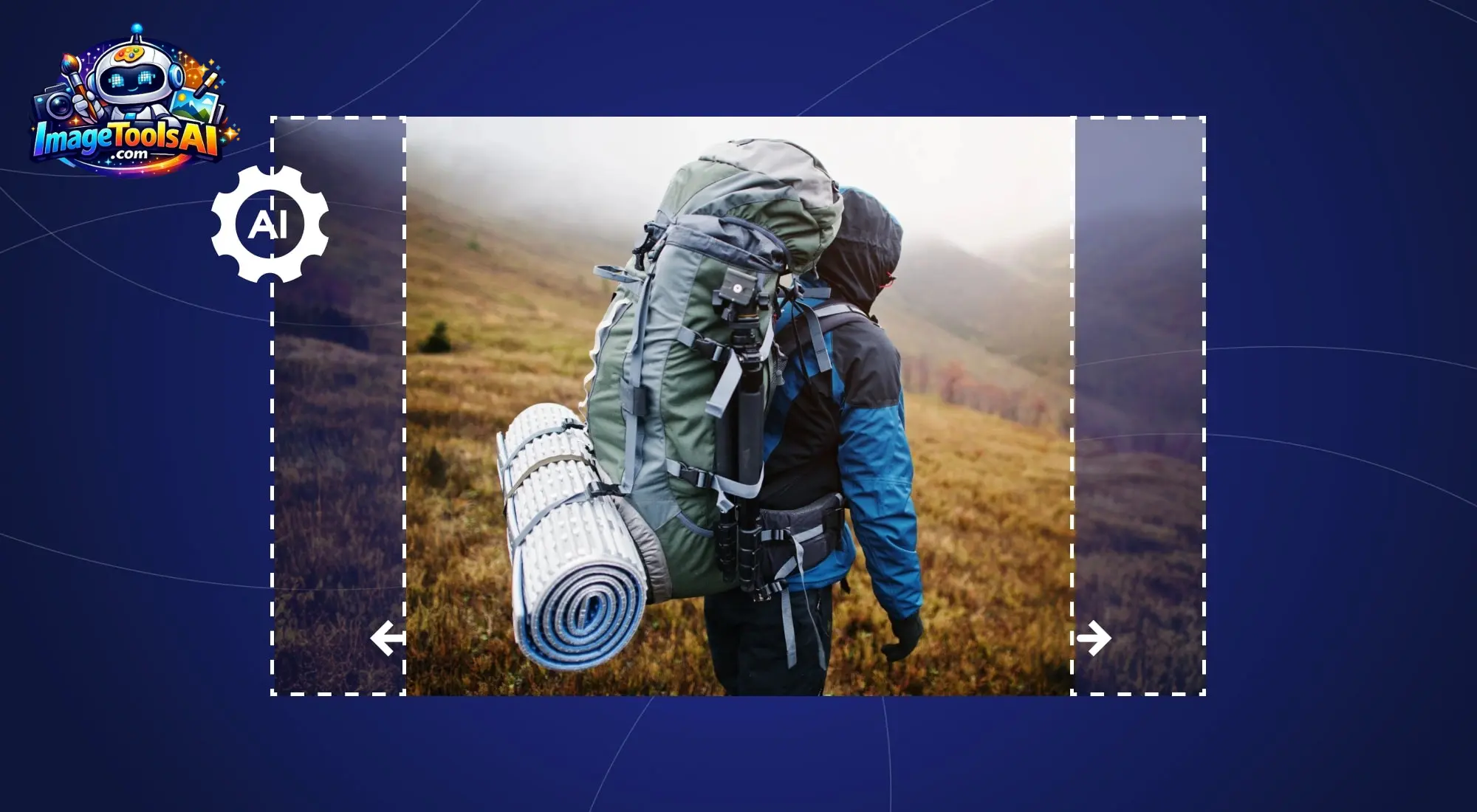
Background Expansion
Extend images beyond original boundaries:
- Wide landscapes
- Social media formats
- Banner resizing
Scene Replacement
Transform entire environments:
- Day to night
- Office to outdoor
- Minimal to luxury settings
Lighting & Style Matching
AI automatically adjusts:
- Shadows
- Reflections
- Color tone
- Atmospheric Lighting
This ensures consistency across edits.
Benefits for Creators & Businesses
Designers:
- Faster workflow
- Less manual editing
- More creative freedom
Marketers:
- Rapid campaign creation
- Personalized visuals
- High conversion creatives
E-commerce:
- Product mockups without photoshoots
- Background customization
- Lifestyle imagery generation
Agencies:
- Scalable production
- Reduced cost per asset
- Faster client delivery
Step-by-Step: How to Use Generative Fill AI
Step 1: Select Area
Use selection tools (lasso, brush, rectangle) to highlight the area you want to modify.
Step 2: Enter Prompt
Type a descriptive instruction:
- “Add a modern city skyline”
- “Remove background people”
Step 3: Generate Variations
AI generates multiple versions. Choose the most realistic result.
Step 4: Refine Output
Adjust:
- Lighting
- Color balance
- Object positioning
Step 5: Export Final Image
Save in high resolution for commercial or personal use.
Best Use Cases of Generative Fill AI
E-commerce Product Editing
- Remove backgrounds
- Add studio lighting
- Create lifestyle scenes
Social Media Content
- Instagram posts
- YouTube thumbnails
- Ads creatives
Real Estate Marketing
- Clean interiors
- Furniture staging
- Exterior enhancements
Travel Photography
- Sky replacement
- Crowd Removal
- Scene enhancement
Branding & Advertising
- Campaign visuals
- Product storytelling
- Concept design
Pricing & Access Models
Generative Fill AI is typically available through subscription-based ecosystems.
Table: Access Models
| Platform | Access Type | Notes |
| Adobe Photoshop | Subscription | Includes Firefly credits |
| Adobe Firefly Web | Credit-based | Browser-based editing |
| Canva AI | Freemium | Limited generative features |
| Stability AI tools | API / Paid | Developer-focused |
| Midjourney | Subscription | Image generation, not fill-focused |
Key Pricing Insights
- Adobe uses a credit system
- Higher-tier plans include more generative edits
- Free tiers are limited in usage
- Enterprise plans offer a commercial protection feature
Pros & Cons of Generative Fill AI
Advantages
- Extremely fast editing
- High-quality realistic output
- Beginner-friendly interface
- Powerful creative expansion
- Reduces production cost
Limitations
- May struggle with complex hands/faces
- Sometimes inconsistent textures
- Requires good prompt writing
- Credit usage can be expensive
- Not always 100% accurate on the first try
Generative Fill AI vs Other AI Tools
Understanding where Generative Fill AI stands in the AI ecosystem is crucial for creators and businesses. It is not a standalone image generator like Midjourney, but a precision-based image editing system integrated into professional workflows.
Let’s break it down.
Generative Fill AI vs Content-Aware Fill
| Feature | Generative Fill AI | Content-Aware Fill |
| Technology | AI diffusion + prompt-based generation | Pixel sampling |
| Input | Text + selection | Selection only |
| Output quality | Highly realistic, context-aware | Sometimes repetitive or blurry |
| Creativity | High (can add objects) | None (only fills gaps) |
| Best use | Creative editing, object generation | Basic object removal |
Generative Fill AI vs Canva AI
Canva has integrated AI tools to simplify design, but they differ significantly from Generative Fill AI.
| Feature | Generative Fill AI | Canva AI |
| Precision editing | Advanced pixel-level control | Template-based editing |
| Professional use | High (agency-grade) | Medium (small businesses) |
| Prompt control | Strong | Limited |
| Realism | Very high | Moderate |
Verdict
- Use Generative Fill AI for professional photo manipulation
- Use Canva AI for fast social media design
Generative Fill AI vs Midjourney
Midjourney is primarily an image generation tool, not an editing tool.
| Feature | Generative Fill AI | Midjourney |
| Function | Image editing | Image generation |
| Input | Existing image + prompt | Text prompt only |
| Editing precision | High | Low |
| Workflow role | Post-production tool | Ideation tool |
| Commercial editing | Yes | Limited |
Key Insight
- Generative Fill = editing real images
- Midjourney = creating new concepts
They complement each other in workflows.
Generative Fill AI vs Stable Diffusion
Stability AI provides open-source generative models used in tools like Stable Diffusion.
| Feature | Generative Fill AI | Stable Diffusion |
| Ease of use | Beginner-friendly | Technical setup required |
| Control | Medium-high | Very high |
| Customization | Limited to the platform | Fully customizable |
| Output quality | Consistent | Variable |
| Use case | Designers, marketers | Developers, researchers |
Real-World Workflow Systems
Generative Fill AI is most powerful when used in end-to-end creative pipelines.
E-commerce Product Enhancement
Step-by-step process:
- Import product image
- Remove background using Generative Fill AI
- Add studio lighting effects
- Generate lifestyle backgrounds
- Export for ads or product pages
Result:
Professional product visuals without a photoshoot.
Marketing Campaign Creation
- Start with concept idea (text brief)
- Generate base visuals using AI tools
- Use Generative Fill AI for refinement
- Replace backgrounds for different audiences
- Produce multiple ad variations
Real Estate Enhancement
- Upload interior image
- Remove clutter or imperfections
- Add furniture using prompts
- Adjust lighting for realism
- Export listing visuals
Social Media Content Creation
- Create base composition
- Expand background for platform sizes
- Add creative objects or effects
- Optimize for engagement formats
Expert Prompt Engineering Guide
Prompt quality determines output quality.
Formula for Best Results:
[Action] + [Object] + [Style] + [Context] + [Lighting]
Example
“Add a luxury leather handbag on a marble table with soft studio lighting and shallow depth of field”
Future of Generative Fill AI
AI image editing is evolving beyond single tools.
Multi-Model Workflows
Future systems will combine:
- Generative Fill AI
- Text-to-image tools
- Video generation models
Intelligent Design Agents
Instead of prompts, users will:
- Describe Goals
- AI will auto-create full designs
Reference-Based Editing
Users will upload:
- Style references
- Brand guidelines
- Product catalogs
AI will maintain full consistency.
Enterprise Automation
Marketing teams will automate:
- Entire ad creation pipelines
- A/B testing visuals
- Personalized content at scale
People Also Ask
Generative Fill AI is used to edit, enhance, or transform images using AI instead of manual editing. It can remove objects, extend backgrounds, or add new elements based on text prompts.
It is widely used in marketing, e-commerce, and photography workflows.
Most platforms offering Generative Fill AI, such as Adobe Photoshop and Firefly, use subscription or credit-based systems.
Some tools provide limited free usage, but professional features usually require a paid plan.
Yes, especially in the Adobe Firefly ecosystem, which is designed for commercial safety using licensed or approved training data.
However, users should always verify platform-specific licensing terms before business use.
Midjourney creates images from text prompts, while Generative Fill AI edits existing images using AI.
Generative Fill is best for professional editing, while Midjourney is best for concept creation.
No. It enhances Adobe Photoshop rather than replacing it.
Photoshop still provides manual control, layering, and advanced design tools that AI cannot fully replicate.
Conclusion
Out of nowhere, tools like Generative Fill AI are changing how images come together. Not only do they speed things up, but these systems also blend machine learning with personal ideas. What once took ages now happens quicker, opening doors to making visuals in bigger numbers.
From designers to marketers, Even Business Owners – this tech streamlines how work gets done while lifting the standard of what they create. Though each role differs, the boost in output and precision shows across the board.
Peering into AI tools? Head over to ImageToolsAI.com for breakdowns, side-by-side picks, and step-by-step walkthroughs. What lies beyond surface-level reviews lives right there – detailed, slow-cooked analysis without the noise. Jumping between options gets simpler when real differences stand clear. Curious how one tool stacks against another? That clarity hides in plain sight across their pages. Not flashy, just focused.











