Introduction
In 2026, AI image generation has become incredibly advanced, but achieving true photorealism is still a challenge for most creators. Many users struggle with outputs that look “almost real” but still feel slightly artificial.
This is exactly where Leonardo PhotoReal inside Leonardo AI changes the game.
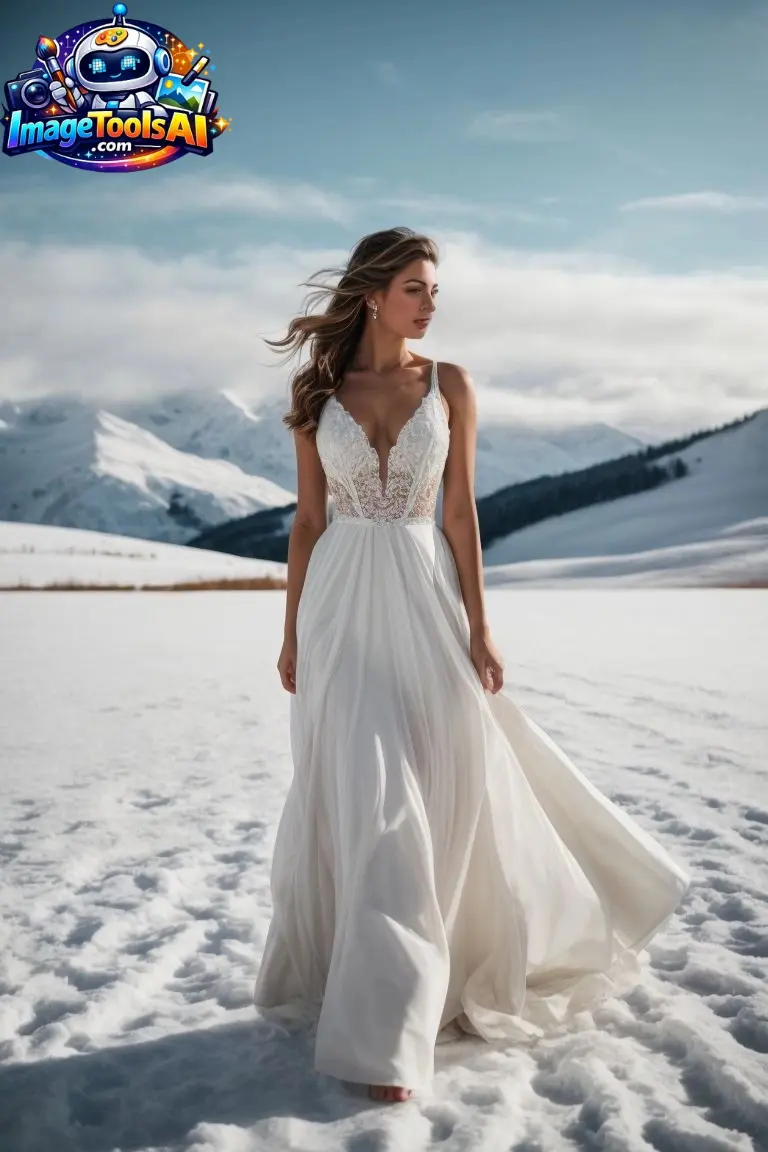
Unlike standard AI image generators, PhotoReal is designed specifically to produce DSLR-level realism, cinematic lighting, and natural skin textures that closely mimic real-world photography.
In this complete guide, you’ll learn how to use Leonardo PhotoReal effectively, discover high-performing prompts, understand professional workflows, and compare it with other leading AI models. Whether you’re a designer, marketer, or content creator, this guide will help you unlock truly realistic AI visuals that stand out in 2026.
What Is Leonardo Photo Real?
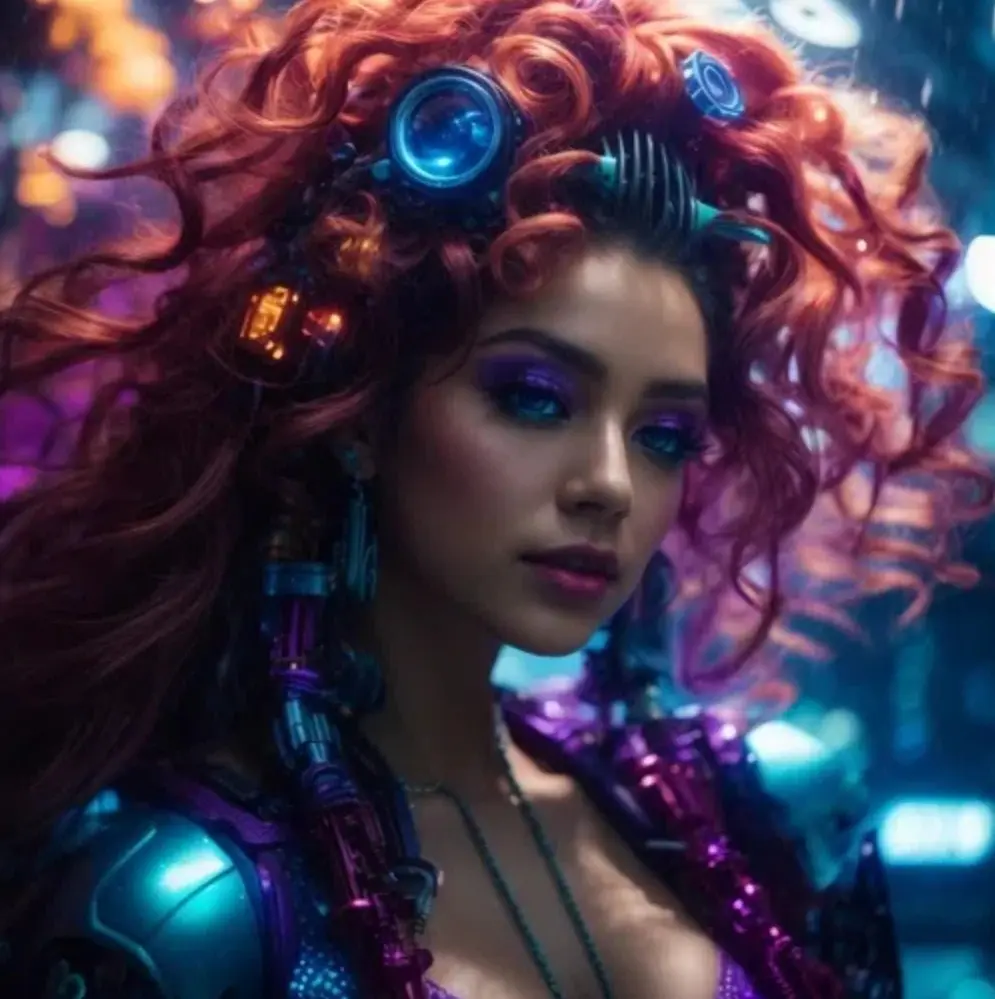
Leonardo PhotoReal is a realism-focused generation system inside the platform Leonardo AI designed to create ultra-photorealistic images using advanced SDXL-based enhancements.
It is not just a model—it is a multi-layer rendering pipeline that improves lighting, texture, depth, and camera realism.
Key Purpose:
- Generate realistic portraits
- Create product photography
- Build cinematic scenes
- Produce commercial-grade visuals
How Leonardo PhotoReal Works
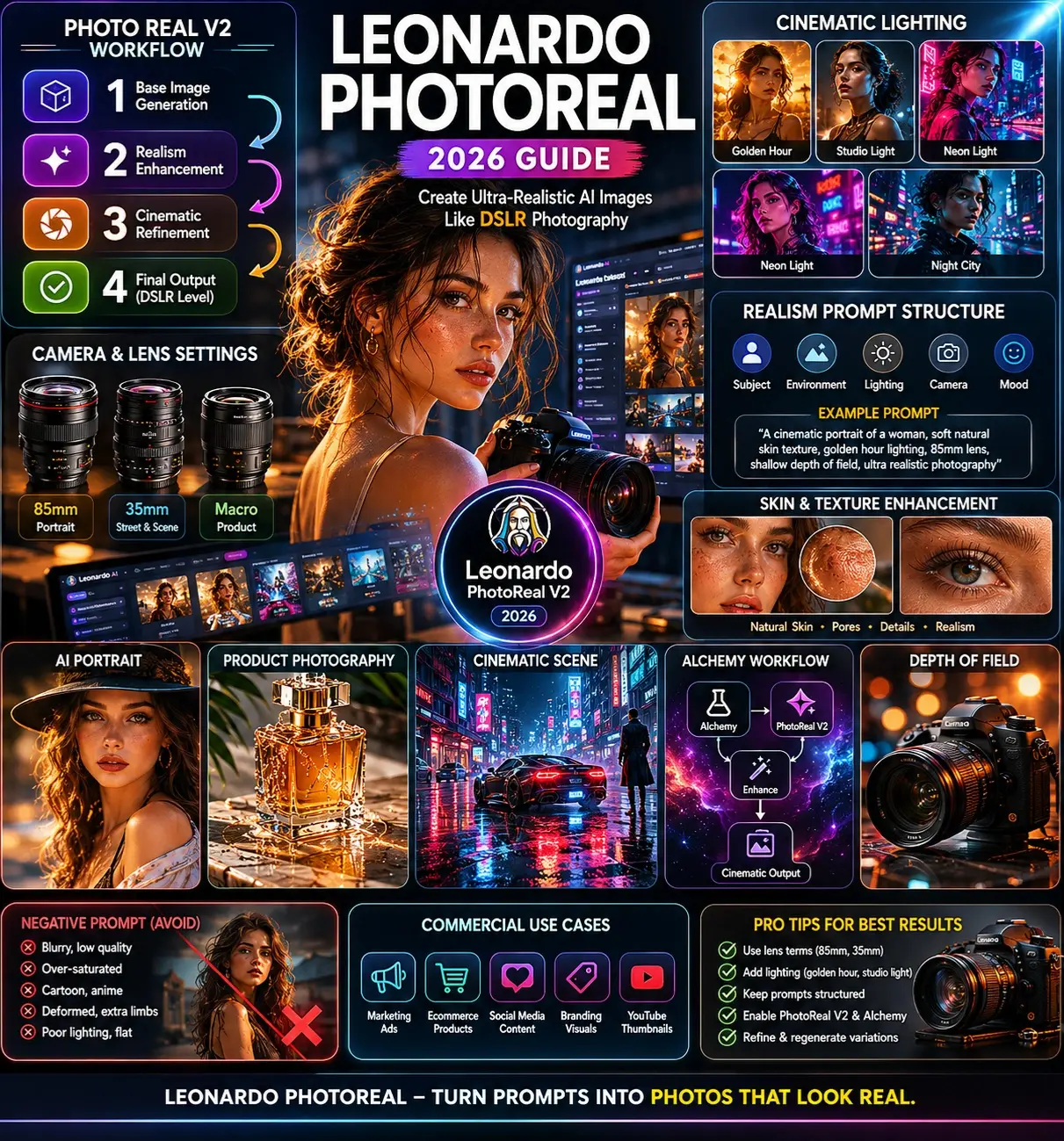
PhotoReal uses a layered generation process:
Base Image Generation
The AI builds structure, composition, and subject placement.
Realism Enhancement Layer
Adds:
- Skin Texture Correction
- lighting balancing
- noise realism
Cinematic Refinement
Final adjustments:
- depth of field
- color grading
- lens simulation
Result: Images that feel like DSLR photography.
Simple Breakdown Table
| Layer | Function | Result |
| Base Model | Structure creation | Composition |
| PhotoReal Engine | Realism enhancement | Natural look |
| Cinematic Layer | Final polish | Film-quality output |
Why Photo Real Matters in 2026
AI visuals are everywhere, but realism is what separates average content from professional-grade visuals.
Key Reasons:
- Social media demand for realistic content is growing
- Brands need AI-generated product photography
- Creators want cinematic storytelling visuals
- Stock photography alternatives are expensive
PhotoReal solves all of these.

Key Features of Leonardo Photo Real
- Ultra-realistic skin rendering
- DSLR camera simulation
- Cinematic lighting control
- SDXL-based enhancement system
- High-detail texture preservation
- Professional portrait optimization
- Stable composition control
🎯 Benefits for Creators & Businesses
Creators:
- YouTube thumbnails
- Instagram Visuals
- cinematic storytelling
Businesses:
- product ads
- ecommerce mockups
- marketing visuals
Designers:
- concept art
- brand identity visuals
Step-by-Step: How to Use Leonardo Photo Real
Choose Base Model
Select:
- Vision XL (balanced realism)
- Kino XL (cinematic output)
Enable PhotoReal Mode
Turn ON:
- PhotoReal V2
- Alchemy (if available)
Write Structured Prompt
Use this formula:
Subject + Environment + Lighting + Camera + Mood
Adjust Settings
- Medium guidance scale
- Natural style strength
- Depth control ON
Generate & Refine
- regenerate variations
- adjust lighting keywords
- improve lens terms
Best Use Cases
- AI portrait photography
- advertising creatives
- cinematic scenes
- ecommerce product shots
- fantasy realism art
- social media branding
Pricing & Access
Leonardo PhotoReal is available inside Leonardo AI plans, typically bundled into subscription tiers.
Common plan types:
- Free tier (limited generations)
- Creator plan
- Pro plan
- Studio/business tier
Pros & Cons
Pros
- Extremely realistic outputs
- Great for commercial use
- Easy workflow
- Strong lighting control
Cons
- Requires prompt skill
- Some outputs need refinement
- Advanced features may require a paid plan
Best Alternatives
| Tool | Strength |
| Midjourney | Artistic creativity |
| Adobe Firefly | Brand-safe design |
| Stable Diffusion | Full control |
| Canva | Easy templates |
PhotoReal vs Other Models
| Feature | PhotoReal | MidJourney | Stable Diffusion |
| Realism | ⭐⭐⭐⭐⭐ | ⭐⭐⭐⭐ | ⭐⭐⭐⭐ |
| Control | High | Medium | Very High |
| Ease of Use | Easy | Medium | Advanced |
| Cinematic Output | Strong | Very Strong | Custom |
Tips to Get the Best Results
- Always use lens keywords (85mm, 35mm)
- Add lighting terms (golden hour, studio light)
- Keep prompts structured
- Avoid overloading keywords
- Use cinematic photography phrasing
Common Mistakes to Avoid
- Writing long, messy prompts
- Ignoring lighting descriptions
- Not specifying the camera type
- Overusing style keywords
- Expecting perfect results instantly
📸 Portrait Prompt
“A cinematic portrait of a young professional, soft natural skin texture, golden hour lighting, 85mm lens, shallow depth of field, ultra realistic photography”
🏙️ Scene Prompt
“A rainy cyberpunk city street at night, neon reflections, cinematic lighting, 35mm film look, ultra-realistic atmosphere”
📦 Product Prompt
“A luxury skincare bottle on a marble surface, studio lighting, macro lens, commercial photography style, ultra detailed”
Privacy, Safety & Commercial Use
When using Leonardo AI for commercial work:
- Always check licensing terms
- Avoid copyrighted character replication
- Verify usage rights for business projects
Future AI Image Trends
- Real-time AI photography generation
- 3D-aware image synthesis
- Fully controllable lighting AI
- Brand-consistent visual pipelines
- Video-to-image realism fusion
Who Should Use This Tool
- Content creators
- Freelance designers
- Digital marketers
- E-commerce sellers
- AI artists
- Agencies
Who Should Avoid It
- Users expecting instant perfection
- People without prompt experimentation interest
- Those needing fully automated outputs only
Limitations & Realistic Expectations
Even though PhotoReal is powerful:
- It still requires prompt refinement
- Some outputs may need multiple generations
- Complex scenes may need adjustments
People Also Ask
A: It depends on your goal. PhotoReal focuses more on realism and lighting accuracy, while MidJourney excels in artistic and stylized visuals.
A: Yes, but you must always check licensing terms inside Leonardo AI, depending on your subscription plan.
A: This usually happens due to weak lighting or missing camera terms in prompts.
A: Use structured prompts with subject, lighting, and camera lens details for best results.
A: Yes, but beginners will get better results after learning the prompt structure.
🖼️ Featured Image Prompt
“Ultra-realistic cinematic workspace showing AI-generated portrait on screen, professional photographer editing images, soft studio lighting, futuristic AI interface, depth of field, hyper-detailed photography style”
Social Media Captions
- “This is how creators are making hyper-realistic AI photos in 2026 🔥 #LeonardoPhotoReal.”
- “From prompts to cinematic perfection—AI photography just changed forever.”
- “Stop guessing prompts. Start generating DSLR-level AI images today.”
Pinterest Title
“Leonardo PhotoReal 2026 Guide: Hyper-Realistic AI Photography Tips & Prompts”
YouTube Title
“How to Use Leonardo PhotoReal (2026) for Ultra Realistic AI Images”
AI Overview Snippet Answer
Leonardo PhotoReal is a realism-focused AI image generation system inside Leonardo AI that enhances lighting, texture, and depth to produce DSLR-like cinematic visuals using structured prompts and SDXL-based enhancements.
CONCLUSION
Picture Leonardo PhotoReal – it stands out today because it makes images look real, almost like a movie scene. For people making visual work, its quality fits right into professional needs. Not just good enough, but built to handle high demands without blinking.
Starting right, good lighting plus clear directions help make pictures feel authentic. A steady setup matters just as much as smart guidance does when aiming for realism. Only with careful steps do results start looking like actual photos taken by a camera.
Perfect when you need it for:
- Marketers
- designers
- content creators
- ecommerce brands
Curious about how AI shapes creativity? ImageToolsAI.com dives into tool guides, real workflows, plus head-to-head comparisons. A fresh look at what moves the needle in image tech shows up right there. Not just another roundup – this is where updates feel timely, useful, grounded.