Introduction
A fresh wave of image creation swept through studios by 2026, with Midjourney leading the charge. Instead of costly gear and complex tools, people began shaping pictures with nothing but words typed into a box.
Midjourney creates lifelike visuals, stepping into realms like dramatic portraits and stylish magazine spreads. Fashion flows into crisp product shots, then slips quietly into social media promotions. Once rare, such realism now emerges easily through artificial intelligence. Picture by picture, it redefines how images come to life.
Here’s where things get tricky – most tutorials barely dig deep. Basic prompts appear, yet none walk through crafting that DSLR-grade lifelike finish, dramatic light setups, or pro-tier visuals. Still missing? The real method behind the look.
Start here if you’re curious about Midjourney’s Image Creation Tools. This walkthrough from ImageToolsAI.com covers every detail worth knowing. Picture how it builds photos step by step. Dive into prompt crafting that pros rely on. Think through simulated camera effects like depth and lighting. Real jobs people use it for come next. Costs appear alongside what the system can’t do well. Peek at routines top creators follow – designers, marketers, others who shape visuals daily.
Start here if snapping AI photos feels random. This plan turns guesses into repeatable results.
What Is Midjourney Photo Generator?
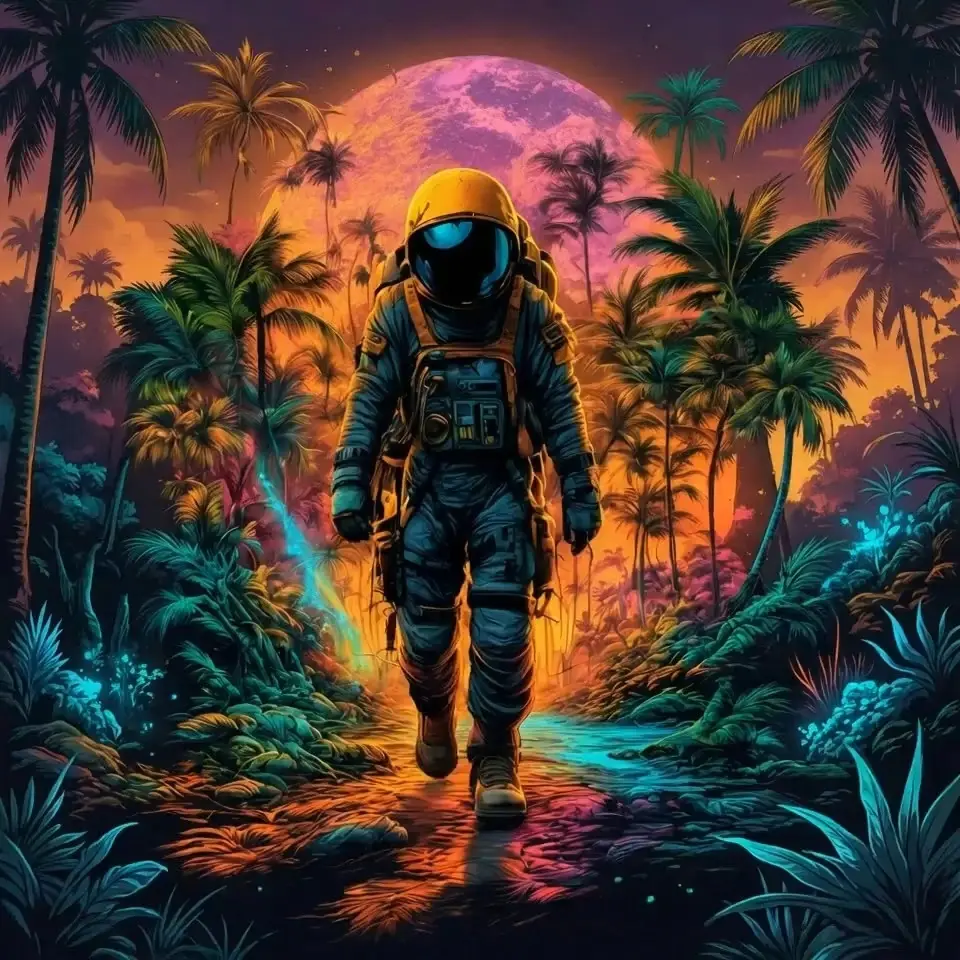
The Midjourney photo generator is an AI-powered image creation system developed by Midjourney that transforms text prompts into highly detailed visual artwork.
It uses advanced diffusion models to interpret human language and convert it into:
- Photorealistic images
- Cinematic scenes
- Digital art compositions
- Commercial-grade visuals
Unlike traditional design tools, Midjourney does not require technical design skills. Instead, users describe what they want, and the AI generates it instantly.
Key Idea:
Midjourney is not just an art generator — it is a visual imagination engine.
How It Works
Midjourney uses a combination of:
- Diffusion models
- Large-scale image training datasets
- Prompt interpretation systems
- Style blending algorithms
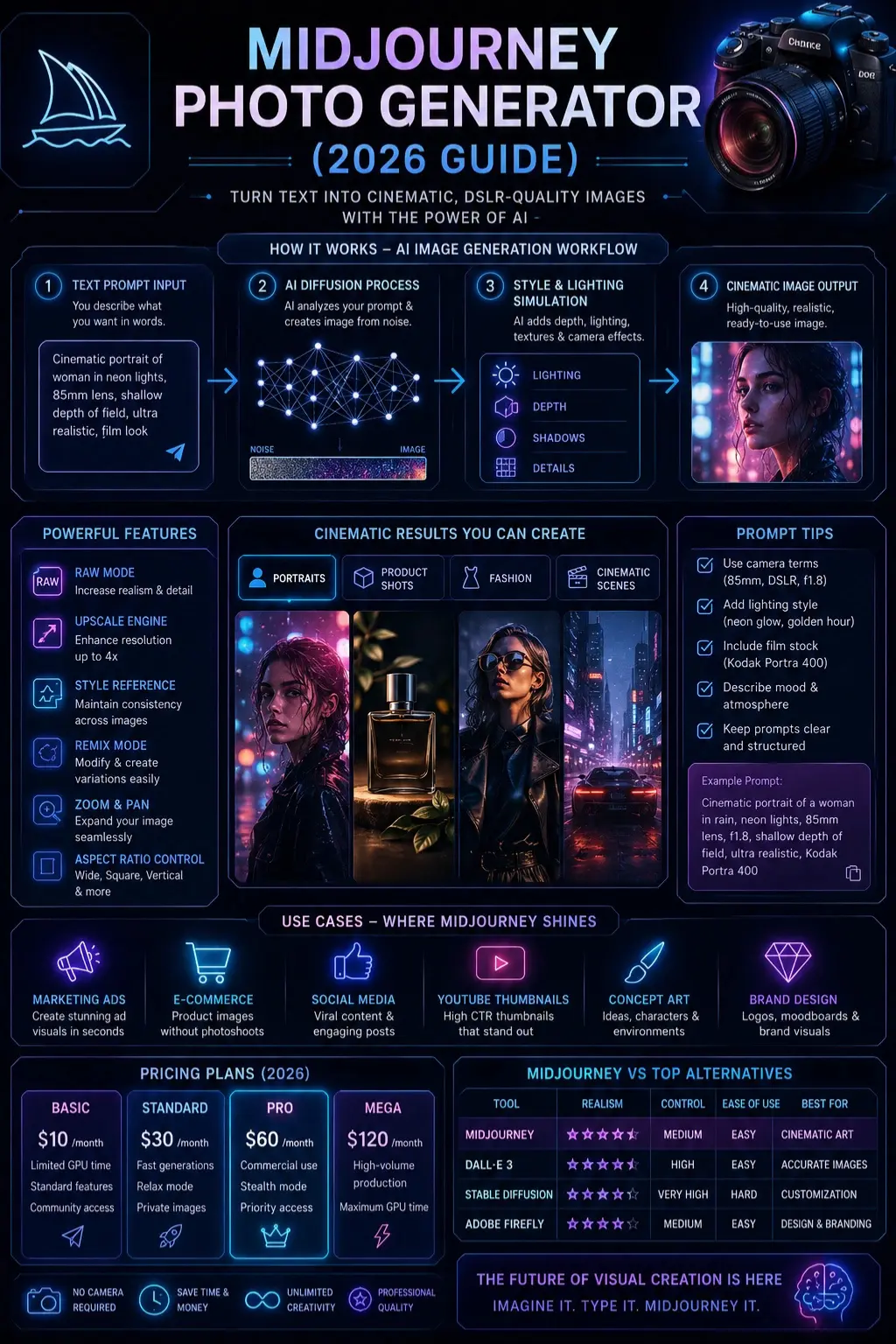
Simple Workflow:
- User enters text prompt
- AI converts text into a latent space
- Noise is gradually refined into an image
- The final image is rendered with textures, lighting, and depth
What makes it powerful:
- Understands artistic style
- Simulates camera behavior
- Creates natural lighting effects
- Generates realistic textures
Why It Matters in 2026
AI image generation is now a core part of:
- Digital marketing
- Social media content
- E-commerce branding
- Film pre-visualization
- Freelance design work
Midjourney leads because it produces:
- Cinematic realism
- Emotional Depth
- High aesthetic quality
It is widely used by creators, marketers, and agencies for fast visual production.
Key Features
Midjourney in 2026 includes powerful features:
- Style Reference System
- Character Consistency Mode
- Image Remixing
- Zoom & Pan tools
- Upscaling engine
- RAW mode for realism
- Aspect ratio control
- Lighting control prompts
Feature Table
| Feature | Function |
| RAW Mode | Increases realism |
| Upscaling | Enhances resolution |
| Remix | Modifies existing images |
| Style Reference | Maintains visual consistency |
Benefits for Creators & Businesses
Midjourney is widely used because it reduces cost and production time.
Benefits:
- No camera required
- Instant visual production
- Unlimited creative variations
- High-quality commercial visuals
- Fast content marketing workflow
Business Impact:
- Saves 80–90% design cost
- Speeds up content creation
- Improves ad performance
- Enhances branding visuals
Step-by-Step How to Use Midjourney
Access Platform
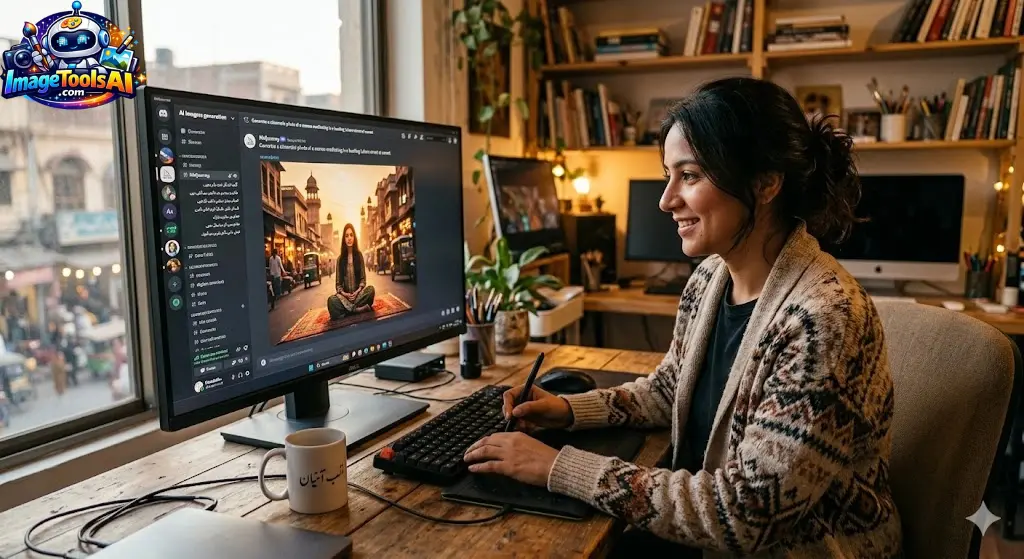
Use Discord or the official Midjourney interface.
Write Prompt
Example:
Cinematic portrait of a woman in rain, neon lights, 85mm lens, shallow depth of field
Adjust Parameters
- ar (aspect ratio)
- style raw
- v 6 (model version)
Generate Variations
Select the best output
Upscale Final Image
Best Use Cases
Midjourney is used in:
- Product photography
- Fashion campaigns
- YouTube thumbnails
- Social media ads
- Cinematic storytelling
- Concept Art
- Brand identity visuals
Example:
E-commerce brands use Midjourney to generate studio-quality product images without physical shoots.
Pricing Plans
Midjourney offers subscription-based pricing.
| Plan | Features |
| Basic | Limited GPU usage |
| Standard | Fast generation + Relax mode |
| Pro | Commercial usage + stealth mode |
| Mega | High-volume production |
Pricing depends on GPU time usage.
Pros & Cons
Pros:
- Extremely realistic visuals
- Fast generation
- High creativity output
- Strong cinematic style
Cons:
- Limited free access
- Learning curve for prompts
- No full manual editing control
Best Alternatives
Top alternatives include:
- DALL·E
- Stable Diffusion
- Adobe Firefly
- Leonardo AI
Quick Comparison:
Midjourney excels in aesthetics, while DALL·E focuses on accuracy.
Midjourney vs DALL·E vs Stable Diffusion
| Tool | Realism | Control | Ease of Use | Best For |
| Midjourney | ⭐⭐⭐⭐⭐ | Medium | Easy | Cinematic art |
| DALL·E | ⭐⭐⭐⭐ | High | Easy | Accurate images |
| Stable Diffusion | ⭐⭐⭐⭐ | Very High | Hard | Developers |
Tips to Get the Best Results
- Use camera terms (85mm, DSLR, f1.8)
- Add lighting style (golden hour, neon glow)
- Include film stock (Kodak Portra 400)
- Keep prompts structured
- Avoid overly long prompts
Best Prompt Templates
Portrait Template:
Cinematic portrait of [subject], shot on an 85mm lens, soft lighting, shallow depth of field, ultra-realistic skin texture, Kodak film style
Product Template:
Studio product photography of [object], white background, softbox lighting, ultra-detailed, commercial advertising style
Cinematic Template:
Film still of [scene], dramatic lighting, 35mm lens, cinematic color grading, ultra-realistic atmosphere
Privacy, Safety & Commercial Use
Midjourney allows commercial usage depending on the subscription.
Important considerations:
- Check licensing terms before business use
- Avoid generating copyrighted characters
- Be cautious with celebrity likeness
- AI ethics remain an evolving topic
MANDATORY TABLES SUMMARY
Best Use Cases
| Industry | Use |
| Marketing | Ad creatives |
| E-commerce | Product images |
| Film | Concept art |
| Social Media | Viral visuals |
Tool Comparison
| Tool | Strength |
| Midjourney | Artistic realism |
| DALL·E | Accuracy |
| Stable Diffusion | Customization |
FAQs
It is used to create AI-generated images from text prompts, including portraits, products, and cinematic visuals for creative and commercial projects.
Yes, with proper prompts, including camera settings and lighting terms, it can produce highly realistic images that resemble DSLR photography.
Midjourney is better for artistic and cinematic visuals, while DALL·E is stronger in accuracy and prompt adherence.
Yes, depending on your subscription plan and compliance with Midjourney’s licensing terms.
Using DSLR terms, lighting descriptions, film styles, and lens specifications significantly improves realism.
Conclusion
Picture-making through Midjourney now stands near the top of digital creative tech. Anyone can make film-like, lifelike visuals ready for ads – no camera needed. Starting or working full-time – the tool opens doors once locked by gear limits.
Picture being stuck on a tight deadline – Midjourney helps marketers, Designers, creators, or anyone running a business speed up their work without losing quality. Instead of endless revisions, visuals come together faster, clearer, sharper. For folks shaping ideas every day, this tool trims hours off tasks that used to drag. Better results show up when least expected. Time once lost now feeds creativity.
Curious about AI art? Head over to ImageToolsAI.com – new tutorials pop up often, showing exactly how makers use cutting-edge image tech. Each post digs into real methods, step by step, so you can follow along without guesswork. Tools change fast, but these updates keep things clear. Skip the noise, find practical breakdowns, and learn at your own pace.











